macOS VSCode Terminal Locale Fallback
VSCode's integrated terminal can silently switch to a non-English locale on macOS — here is why your `git status` suddenly speaks Korean and how to pin `LANG` in `settings.json`.
On this page
I opened VSCode today, ran git status in a repo with some changes, and the output came back in Korean. My login shell was still English. Nothing else on my system was misbehaving — Terminal.app, iTerm2, tmux, and every other shell I had open were showing standard en_US.UTF-8 output. Only VSCode’s integrated terminal had decided git should speak Korean to me.
The root cause turned out to be a macOS locale configuration I did not know was possible, combined with a VSCode setting I had never read the documentation for. This post walks through what was actually happening, the misleading debugging signals that slowed me down, the fix I applied, and three alternative fixes I considered and rejected.
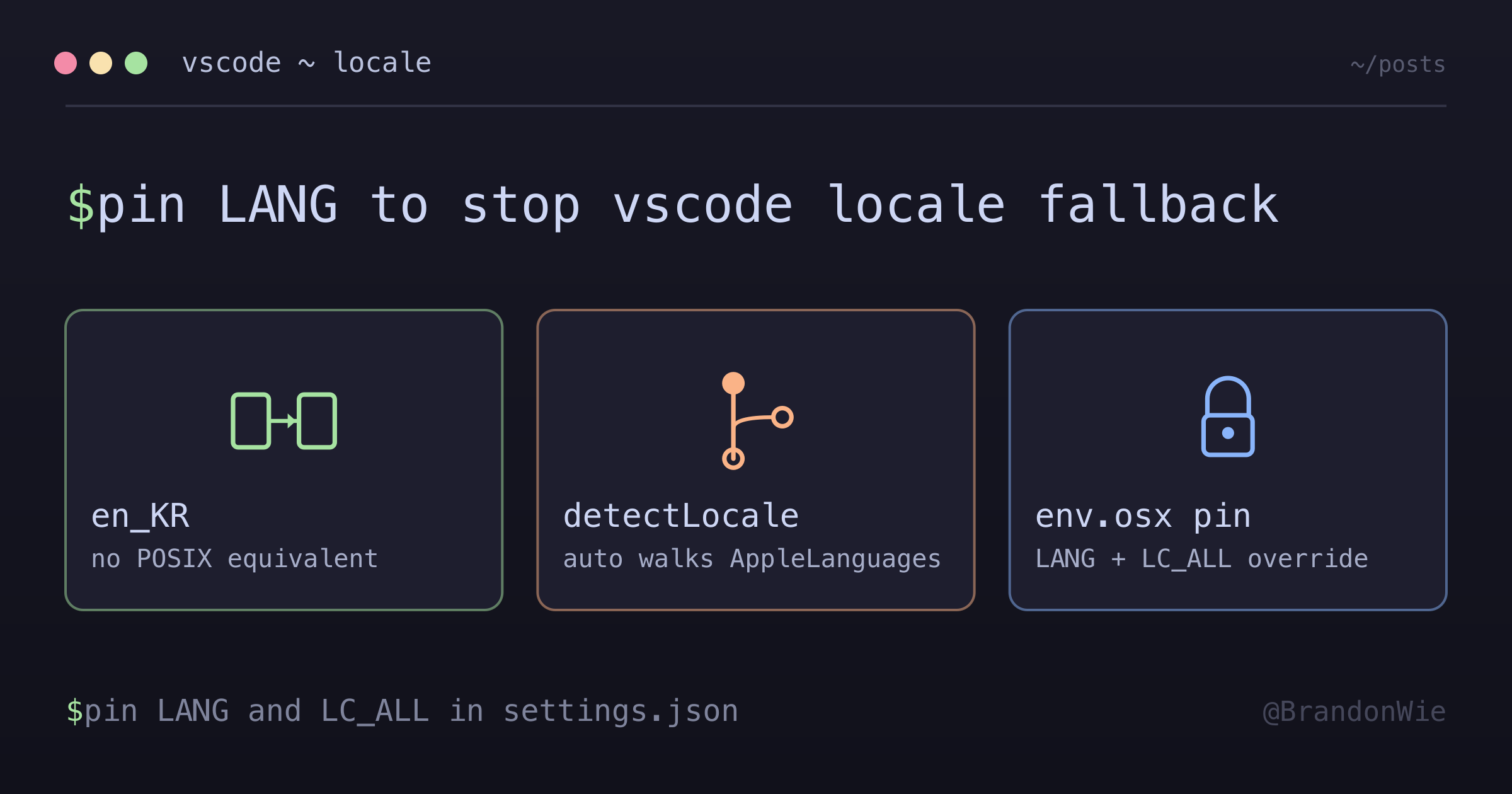
The trigger: an AppleLocale with no POSIX equivalent
macOS lets you split Language and Region independently in System Settings → General → Language & Region. Mine was configured as:
- Language: English
- Region: Korea
That combination feels perfectly reasonable: “give me the OS in English but use Korean date formatting, Korean calendar, won-denominated currency”. It produces the following underlying defaults values:
$ defaults read -g AppleLocale
en_KR
$ defaults read -g AppleLanguages
(
    "en-KR",
    "ko-KR"
)
The problem is that en_KR is not a real POSIX locale. macOS only ships en_US.*, en_GB.*, en_AU.*, en_CA.*, en_IE.*, and en_NZ.* for English. There is no en_KR.UTF-8. You can confirm this directly:
$ locale -a | grep -i '^en_KR'
# (empty)
POSIX locales are {language}_{region} pairs where the combination must be explicitly generated by the system. macOS (and most Linux distros) do not generate en_KR because nobody asks for it. So any dev tool that tries to translate AppleLocale into a usable LANG value hits a dead end on the primary entry.
Most tools handle this gracefully — they fall back to whatever the shell says LANG is. VSCode, however, does something more ambitious.
What VSCode does with detectLocale: "auto"
VSCode’s integrated terminal has a setting called terminal.integrated.detectLocale, which defaults to "auto". On macOS, the auto-detection works like this:
- Query
defaults read -g AppleLocaleand attempt to map the result to a POSIX locale. - If the primary entry fails (as
en_KRdoes), walk theAppleLanguagesarray looking for something that does map. en-KR→ still fails (same reason as above).ko-KR→ succeeds.ko_KR.UTF-8exists on macOS, so VSCode injectsLANG=ko_KR.UTF-8into the integrated terminal’s environment.- git’s
gettextreadsLANGat process start and loads the Korean message catalogs. git status,git log,git diff,git commit— all speaking Korean.
Meanwhile, your login shell (Terminal.app, iTerm2, or tmux inside those) reads LANG from .zshrc/.zprofile or the system default, which is typically en_US.UTF-8. You only see the Korean output in VSCode specifically, because VSCode is the only process in the chain that consults AppleLocale directly.
The misleading signals
Finding the actual cause took longer than it should have because the debugging signals all pointed in the wrong direction.
locale inside the VSCode terminal still reports en_US.UTF-8. Running locale gives you the current shell’s environment, which your shell rc may have reset back to en_US.UTF-8 after VSCode injected ko_KR.UTF-8. The Korean git output comes from gettext reading the environment at git process start — before your shell rc has a chance to reset anything. So the shell’s own locale report and git’s behavior are looking at different points in time, and they disagree. The shell is telling you the truth about its current state, but the truth does not include what happened earlier in the process lifecycle.
grep -i locale on your shell rc returns nothing. That sends you hunting for process-level injection in the wrong places: shell startup files, tmux config, dotfiles repos, /etc/profile. The culprit is actually the editor’s own settings.json, which is not something you would normally grep for a locale problem.
An existing empty-ish terminal.integrated.env.osx block does not help. I already had {"TERM": "xterm-256color"} set for other reasons, which felt like it should prevent VSCode’s auto-detection from running. It does not. terminal.integrated.env.osx merges with auto-detected values, it does not replace them. Partial blocks do not disable auto-detection — you have to explicitly set the specific env vars you want to override.
LANG alone is not enough. If anything downstream sets LC_MESSAGES or LC_ALL, LANG loses. LC_ALL is the nuclear override — it wins over everything, including LANG itself. Setting both LANG and LC_ALL is the defensive choice.
The fix
Pin LANG and LC_ALL explicitly in VSCode’s terminal.integrated.env.osx. Explicit env vars override VSCode’s locale auto-detection — there is no need to disable detectLocale separately.
// settings.json
"terminal.integrated.env.osx": {
    "TERM": "xterm-256color",
    "LANG": "en_US.UTF-8",
    "LC_ALL": "en_US.UTF-8"
}
Reload VSCode or open a fresh terminal tab — existing tabs keep their old environment until you close and reopen them. Verify by running git status in a repo with changes. The output should be English again.
Options I considered and rejected
| Option | Pros | Cons |
|---|---|---|
A. Pin LANG/LC_ALL in terminal.integrated.env.osx | Scoped to VSCode only, survives shell rc failures, explicit and reviewable in settings.json diff | Does not affect VSCode tasks or debug processes — only the integrated terminal |
B. Set terminal.integrated.detectLocale: "off" | Smaller config, relies on shell rc as the single source of truth | Silently breaks if shell rc does not set LANG (minimal containers, remote SSH) |
C. Change macOS AppleLocale via System Settings | Fixes every tool system-wide, not just VSCode; root-root fix | Loses Korean-region defaults (calendar, currency, phone number formatting) |
D. Set LANG in ~/.zshrc or ~/.zprofile | One-line shell-level fix | Does not override VSCode’s injected env — gettext reads it before shell rc runs |
I chose Option A because it is scoped, reviewable, and fault-tolerant. It survives shell rc regressions (Option B’s weakness), does not compromise macOS regional formatting (Option C’s cost), and actually works — unlike Option D, which loses the race to gettext. Setting both LANG and LC_ALL adds the LC_ALL nuclear override as a safety net in case some other process injects LC_MESSAGES later.
There is one legitimate case for Option C: if Finder, Messages, Mail, or other macOS apps are also showing unexpected localization, the problem is OS-level and should be fixed at the source. In my case only VSCode was affected, so a VSCode-scoped fix was sufficient.
Alternative: turning off detectLocale entirely
If you trust your shell rc to reliably set LANG and you want one less layer of config:
"terminal.integrated.detectLocale": "off"This stops VSCode from injecting any locale vars at all, deferring entirely to whatever your shell and system provide. The explicit-env approach above is safer because it works even when shell rc support is missing — minimal containers, SSH remote hosts, dev containers with bare-bones shells — but detectLocale: "off" is a valid minimal-config alternative for users with well-configured shells.
Debugging checklist
If this happens to you, here is the order I would check next time:
locale— what does your login shell report?defaults read -g AppleLocale— what does macOS advertise?defaults read -g AppleLanguages— what is the fallback list?locale -a | grep -i '^en_'— what English locales does the system actually have?- Open a VSCode integrated terminal, run
echo $LANG $LC_ALL $LC_MESSAGES— what did VSCode inject? - Compare step 5 against step 1. If they differ, VSCode is the source of the locale override.
Takeaways
- macOS lets you configure an
AppleLocale(likeen_KR) that has no POSIX equivalent. This is valid at the OS level, but any tool that tries to map it toLANGwill fall through to a secondary entry inAppleLanguages. - VSCode’s
terminal.integrated.detectLocale: "auto"walksAppleLanguageson macOS when the primary lookup fails, and will happily injectLANG=ko_KR.UTF-8(orja_JP.UTF-8, or whatever secondary language resolves). terminal.integrated.env.osxmerges with auto-detected values. A partial block does not turn auto-detection off.LC_ALLis the nuclear override. Set bothLANGandLC_ALLwhen you need to guarantee a specific locale regardless of what other processes might inject.- If you are on macOS with Language: English and Region: anywhere non-Anglophone, this trap is waiting for you. The fix is three lines in
settings.json.
Comments · github discussions
repo brandonwie/brandonwie.dev · category "Blog Comments" · term macos-vscode-terminal-locale-fallback