External Calendar Data Normalization
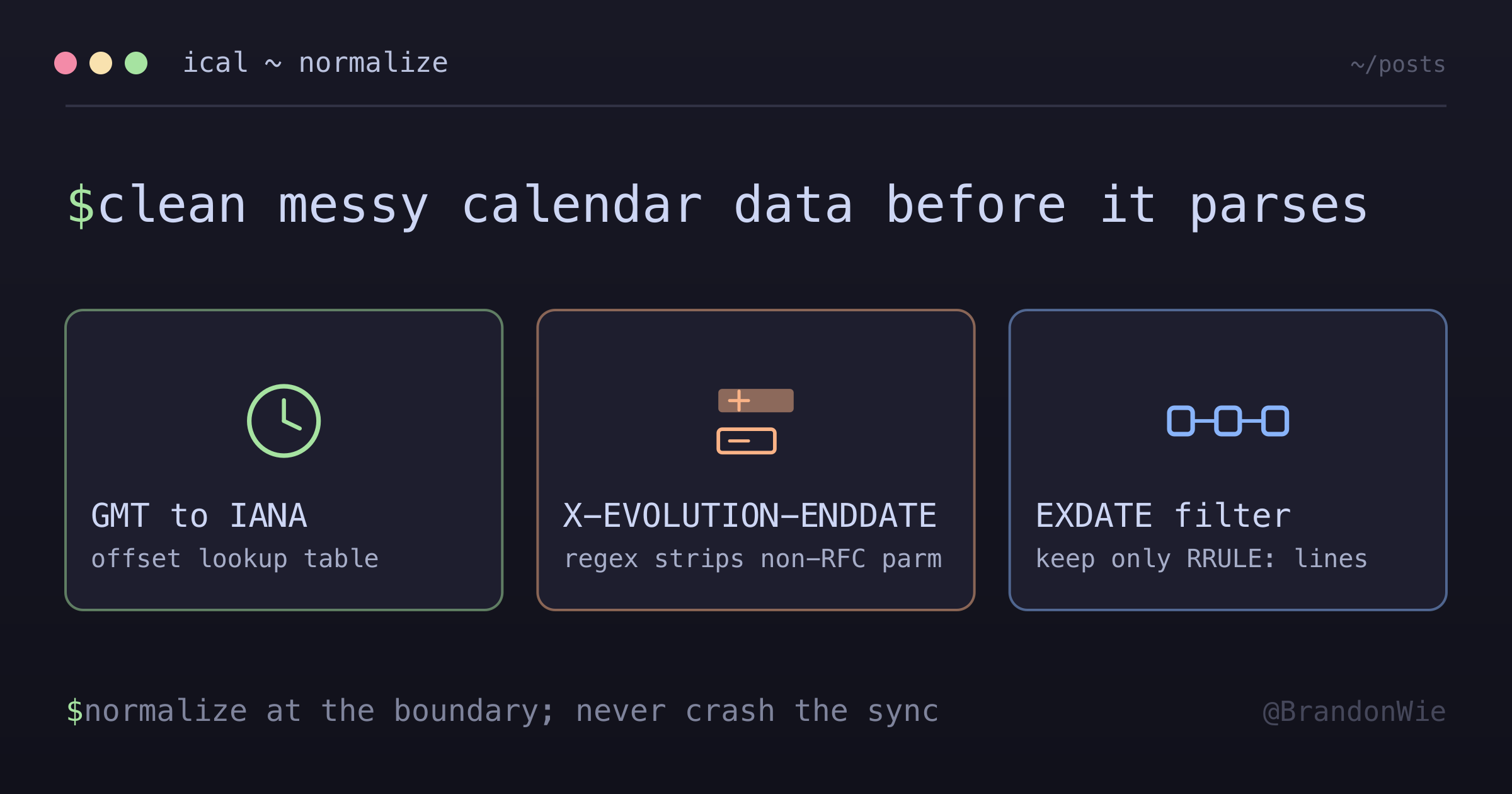
External calendar clients emit non-standard RRULE and timezone data that breaks rrule.js. A normalization layer at the boundary handles it — with a DST caveat the offset lookup table hides.
On this page
Three parsing failures turned up in the error logs of a calendar sync I worked on: Invalid time zone: GMT+09:00, then unsupported RRULE parm: X-EVOLUTION-ENDDATE from a Linux user, then Unsupported RFC prop EXDATE from a Google Calendar event with deleted occurrences. Three different external calendar clients, all feeding the same rrule.js parser, which expected clean RFC 5545 input.
The real world does not produce clean RFC 5545 input. External calendar clients — Apple Calendar, GNOME Evolution, TripIt, airline booking apps — each have their own interpretation of the iCalendar standard. If your backend parses recurrence rules, you need a normalization layer between the raw data and your parser.
The Three Failure Modes
Each failure comes from a different source and has a different severity:
| Error | Source | Impact |
|---|---|---|
Invalid time zone: GMT+XX:XX | Apple Calendar, TripIt, airline apps | Fatal |
unsupported RRULE parm: X-EVOLUTION-ENDDATE | GNOME Evolution (Linux) | Warning |
Unsupported RFC prop EXDATE | Google Calendar with deleted occurrences | Fatal |
“Fatal” means parsing fails entirely — no occurrences generated, the event disappears from the user’s calendar. “Warning” means the parser complains but might still produce output, depending on the library version and configuration.
These are not exotic edge cases. Apple Calendar is the default on every iPhone. GNOME Evolution ships with most Linux distributions. And EXDATE lines come from Google Calendar itself whenever a user deletes a single occurrence from a recurring series.
Timezone Normalization
Apple Calendar and travel apps often use GMT+XX:XX format instead of IANA timezone names. The rrule library does not recognize this format.
The fix is a lookup table that maps GMT offsets to IANA names:
const OFFSET_TO_IANA: Record<string, string> = {
  "+00:00": "Etc/UTC",
  "+01:00": "Europe/Paris",
  "+02:00": "Europe/Helsinki",
  "+09:00": "Asia/Tokyo",
  "-05:00": "America/New_York",
  "-08:00": "America/Los_Angeles"
  // ... 38 offsets covering all UTC variations
};

function normalizeTimezone(tz: string): string {
  // Handle GMT+XX:XX format from Apple Calendar
  const gmtMatch = tz.match(/^GMT([+-])(\d{2}):(\d{2})$/);
  if (gmtMatch) {
    const offset = `${gmtMatch[1]}${gmtMatch[2]}:${gmtMatch[3]}`;
    return OFFSET_TO_IANA[offset] ?? "Etc/UTC";
  }
  return tz;
}
One subtlety: a single GMT offset can map to multiple IANA timezones. GMT+09:00 could be Asia/Tokyo, Asia/Seoul, or Asia/Jayapura. The table picks one representative per offset.
I used to describe that as a harmless choice — same offset, different city name. It is not, and the table above shows exactly where it goes wrong. A GMT+01:00 input is a fixed offset that never moves. Europe/Paris moves: asking Node 24’s Intl.DateTimeFormat for its longOffset returns GMT+01:00 in January and GMT+02:00 in July. Mapping the fixed offset onto a DST-observing city therefore hands the parser a rule that jumps an hour across the DST boundary — a shift the source data never described. Asia/Tokyo is safe because Japan does not observe DST. Europe/Paris, Europe/Helsinki, America/New_York, and America/Los_Angeles all shift.
If you want the mapping to stay faithful to a fixed offset, the Etc/GMT±N zones are the closer match, because they never shift. Watch the sign — it is inverted relative to the offset by POSIX convention. The same Intl check reports Etc/GMT-9 as nine hours ahead of UTC, and Etc/GMT+9 as nine hours behind. So a GMT+09:00 input maps to Etc/GMT-9, which reads wrong every single time. I did not find that inversion spelled out in the IANA timezone theory notes; I confirmed it by asking the runtime.
The fallback to Etc/UTC when an offset is not in the table prevents a crash. It produces incorrect results for that event, but incorrect is better than a fatal error that blocks the entire sync.
RRULE Sanitization
GNOME Evolution, the calendar app that ships with many Linux distributions, hangs a proprietary X-EVOLUTION-ENDDATE parameter off the RRULE property. The raw line looks like this:
RRULE;X-EVOLUTION-ENDDATE=20241223T140000Z:FREQ=WEEKLY;COUNT=51;BYDAY=MORFC 5545 permits vendor parameters prefixed with X-, so Evolution is inside the spec here — the rrule library is the strict one. Either way, you get the error, so the fix is a regex that strips the parameter before parsing:
function sanitizeRRule(rrule: string): string {
  // Remove GNOME Evolution proprietary parameter
  return rrule.replace(/;X-EVOLUTION-ENDDATE=\d{8}T\d{6}Z/g, "");
}
Stripping it is safe because the value is a cache, not a source of truth. Evolution’s maintainer describes it on the GNOME forum as a pre-computed series end date, stored so a “give me events between X and Y” query can decide in constant time whether a recurring event falls in the window instead of re-expanding the rule — and recalculated on demand when the parameter is absent.
Worth noting what the cached date is not: it is not a copy of UNTIL. The example above ends via COUNT=51 and has no UNTIL at all. Evolution resolves the end date either way and caches the result, which is why you cannot recover it by looking for a standard field.
EXDATE Extraction
The rrule library’s RRule.parseString() only handles RRULE lines. If you feed it a string that includes EXDATE lines, it either fails or produces incorrect output (as covered in detail in the EXDATE parsing post).
The solution is to filter before parsing:
function extractRRulesOnly(recurrenceArray: string[]): string[] {
  // Filter out EXDATE lines, keep only RRULE lines
  return recurrenceArray.filter((line) => line.startsWith("RRULE:"));
}

// Usage - at every call site that parses recurrence data
const rruleLines = extractRRulesOnly(event.recurrence);
const rruleSet = rrulestr(rruleLines.join("\n"));
Every place that calls rrulestr() or RRule.parseString() needs this filter. Miss one and a user with deleted recurring-event occurrences hits a parsing failure at exactly that call site — and only there. That is what makes it an annoying bug to find: the same event renders fine on four screens and blows up on the fifth.
Where to Apply Normalization
Normalization has to run at every point where external RRULE data enters the parsing pipeline, and in a service of any size that is more places than you would guess from the feature list. The recurrence-expansion layer needs it. The sync layer that writes calendar data in needs it. So does every query helper that rebuilds a rule to answer a narrower question — resolving a series’ end date, or deciding whether a recurring event overlaps a requested window.
The key principle: normalize at the boundary, not inside the core logic. Put the three utilities in one module and have every call site import from there, rather than reimplementing a one-line filter inline where it happens to be needed. When a new external calendar format surfaces, you update one file and the fix reaches every parser at once.
The failure mode to watch for is the opposite shape: a filter inlined at three call sites and forgotten at the fourth. Nothing catches it, because the fourth path only breaks for users whose calendar client produces the quirk. Grepping for rrulestr( and RRule.parseString( and checking that each hit sits downstream of the normalization module is a cheap audit, and worth repeating whenever a new one gets added.
Choosing the Right Parser
As of rrule 2.8.1, the library offers two parsing APIs with different capabilities:
// Simple RRULE parsing
const rule = RRule.parseString("FREQ=WEEKLY;BYDAY=MO");

// Full RFC 5545 with EXDATE, RDATE
const rruleSet = rrulestr(
  "RRULE:FREQ=WEEKLY;BYDAY=MO\nEXDATE:20240101T090000Z"
);
The README documents RRule.parseString() as “only parse RFC string and return options” and demonstrates it on a bare rule value. rrulestr() is documented as a parser for RFC-like syntaxes that accepts a multi-line string, and its examples include DTSTART, RDATE, EXRULE, and EXDATE components. The README does not state the restriction as a rule, so treat the split as what the examples show rather than a guarantee — it is the behavior I hit in practice, and it is the reason the EXDATE filter above exists.
Choose based on whether you need EXDATE support — and if you do, use the separate-parsing approach with RRuleSet.
The Data Flow to Keep in Mind
Google Calendar API -> your database -> RRULE parsingA critical insight: EXDATE comes from Google’s API. You store what Google provides; you do not generate it. Google is the source of truth for exception dates, and the job is to parse what it hands you without breaking — not to regenerate or modify it.
This means the normalization layer must be defensive. New external calendar formats will appear without warning as users subscribe to calendars from apps you have never heard of. The normalization code should handle unknown formats gracefully — log a warning, fall back to a safe default, but never crash the sync.
Takeaway
External calendar data is messy, and it will always be messy. Apple, GNOME, travel apps, and even Google itself produce data that deviates from what the rrule library expects. The solution is not to find a better parser — it is to normalize the data before it reaches any parser.
Six principles that held up in production — the last one only after I got it wrong first:
- External calendar data is messy — assume every client has its own quirks
- Normalize at the boundary — clean data before it reaches core logic
- Preserve original data — store what Google provides, normalize only for calculation
- Centralize utilities — one file for all normalization functions, imported everywhere
- Test with real data — use actual problematic events from production in unit tests
- Check what your “equivalent” mapping throws away — the GMT-offset table above quietly reintroduces DST
Every time a new parsing failure appears in your error logs, it is telling you about an external calendar client you had not accounted for. Add its format to your normalization layer, add a test case with the real data that triggered it, and move on. The normalization layer grows over time, and that is by design.
Comments · github discussions
repo brandonwie/brandonwie.dev · category "Blog Comments" · term external-calendar-normalization