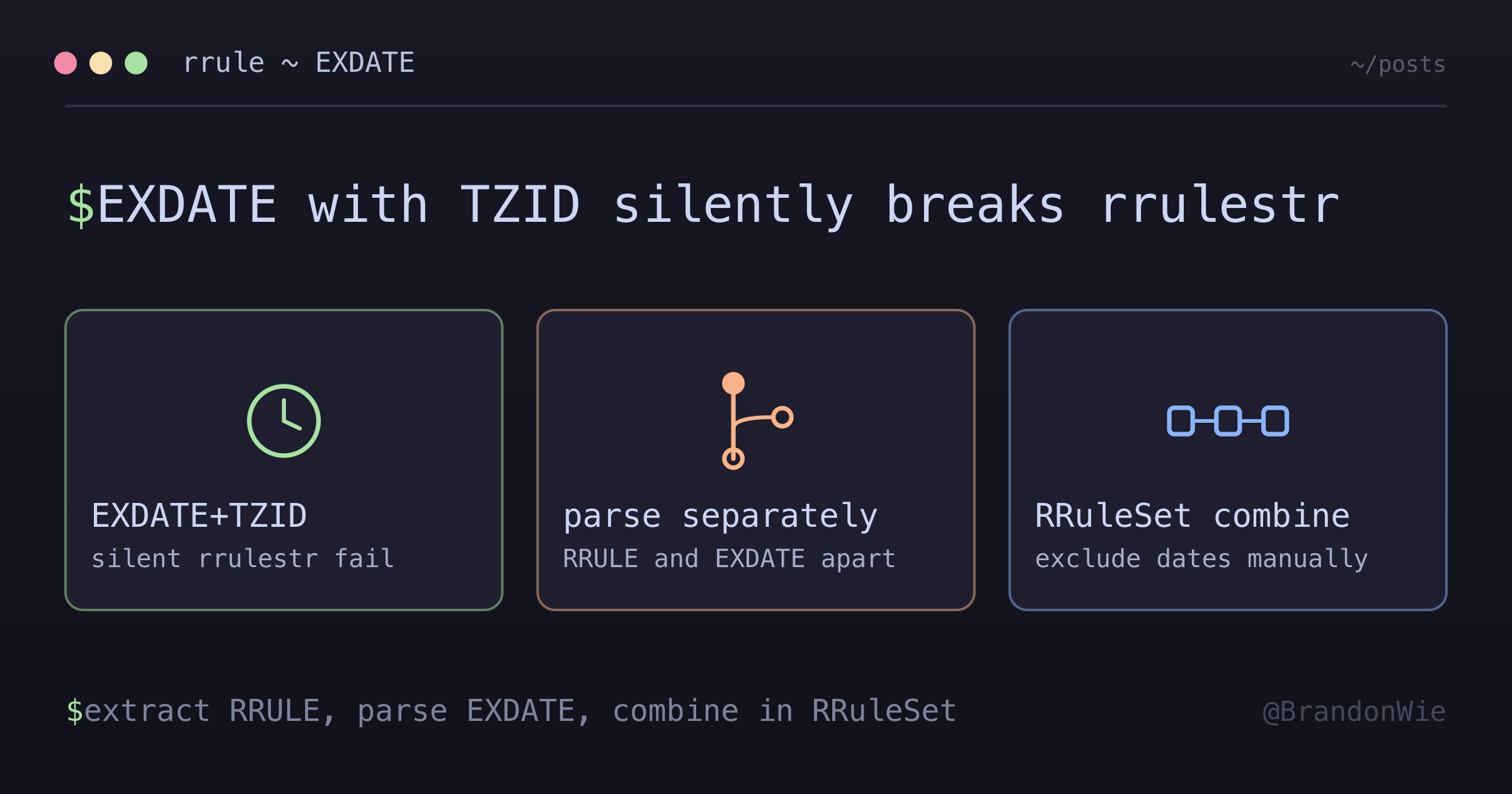
RRULE EXDATE Parsing with Timezone
The `rrule` JavaScript library's `rrulestr()` silently generates occurrences at the current timestamp when EXDATE carries a TZID parameter. Here is the workaround I settled on.
On this page
I had a recurring event that generated occurrences at the current timestamp instead of the dates it was supposed to. Every occurrence was today, right now, this minute. The rrule library was not throwing an error. It was not returning empty results. It was silently producing garbage, and the output looked plausible enough to pass a casual glance.
The root cause: the EXDATE line came before the RRULE line in the recurrence array, and it had a TZID parameter. That combination breaks the rrule JavaScript library’s rrulestr() parser.
The Root Cause
Google Calendar stores recurrence rules as an array with mixed content. The order of elements in that array is not guaranteed. Here is what came back from the API:
[
  "EXDATE;TZID=Asia/Seoul:20251219T180000,20251226T180000",
  "RRULE:FREQ=WEEKLY;BYDAY=FR"
];
When rrulestr() tries to parse this input:
- It expects RRULE first, EXDATE after
- It cannot properly handle the TZID parameter in the EXDATE line
- Instead of failing with an error, it falls back to generating occurrences at the current timestamp
That silent fallback is the dangerous part. The function returns a valid RRule object. Calling .between() or .all() on it produces dates. Those dates happen to be wrong, but nothing in the API signals that anything went wrong.
Why Debugging This Was Slow
Four factors conspired to make this bug hard to find.
Silent failure mode. The library does not throw an error when EXDATE parsing fails. It generates occurrences at the current timestamp, which looks like valid output until you inspect the dates closely. I spent time looking at downstream code before realizing the rrule output itself was wrong.
Order sensitivity was not documented. Nothing in the rrule docs mentions that RRULE must come before EXDATE in the input string. I discovered this only through trial and error after the Google Calendar API returned EXDATE first.
forceset: true seemed like the answer. The rrule API provides a forceset option specifically for handling RRULE+EXDATE combinations. It still cannot parse TZID in EXDATE lines. This dead end consumed significant debugging time because it felt like the “right” solution.
Multiple EXDATE formats. Google Calendar uses at least four different EXDATE formats. Each required separate parsing logic, and I did not know the full set until I encountered them in production data.
The Solution: Parse Separately, Combine Manually
Since rrulestr() cannot handle EXDATE with TZID, the fix is to split the parsing into parts you control.
import { RRuleSet, rrulestr } from "rrule";

// 1. Extract only RRULE lines (filter out EXDATE, RDATE)
const rruleLines = extractRRulesOnly(event.recurrence);
const rruleString = rruleLines.join("\n");

// 2. Parse RRULE only
const baseRule = rrulestr(rruleString, { dtstart: parentStart });

// 3. Parse EXDATE separately (handles TZID correctly)
const exdates = parseExdates(event.recurrence, event.timeZone);

// 4. Combine in RRuleSet
const ruleSet = new RRuleSet();
ruleSet.rrule(baseRule);
for (const exdate of exdates) {
  ruleSet.exdate(exdate);
}

// 5. Generate occurrences
const occurrences = ruleSet.between(periodStart, periodEnd, true);
The strategy: let rrulestr() handle what it is good at (parsing RRULE lines), and handle EXDATE parsing ourselves. Then combine both in an RRuleSet, which correctly excludes dates during occurrence generation.
The Extraction Function
The first step is isolating RRULE lines from the recurrence array:
export function extractRRulesOnly(recurrence: string[] | null): string[] {
  if (!recurrence || recurrence.length === 0) return [];

  return recurrence
    .filter((line) => line.startsWith("RRULE:") || line.startsWith("RRULE;"))
    .map(sanitizeRRule);
}
The sanitizeRRule call handles another edge case — proprietary extensions from clients like GNOME Evolution that append non-standard parameters to RRULE lines. Filtering and sanitizing happen together so downstream code never sees a malformed input.
The EXDATE Parser
Parsing EXDATE lines means handling four distinct formats that Google Calendar produces:
| Format | Example | Parsing Strategy |
|---|---|---|
| UTC | EXDATE:20251219T090000Z | Parse directly as UTC |
| Date-only | EXDATE;VALUE=DATE:20251219 | Treat as midnight in the event’s timezone |
| TZID single | EXDATE;TZID=Asia/Seoul:20251219T180000 | Parse in the specified timezone, convert to UTC |
| TZID multiple | EXDATE;TZID=Asia/Seoul:20251219T180000,20251226T180000 | Split on comma, parse each in the timezone |
Every EXDATE line has the same shape: parameters, a colon, then one or more comma-separated values. So the parser splits on the first colon, pulls TZID out of the parameter half, and then decides per value. A minimal version — Luxon does the timezone conversion — looks like this:
import { DateTime } from "luxon";

export function parseExdates(
  recurrence: string[] | null,
  defaultTimeZone: string
): Date[] {
  if (!recurrence) return [];

  const exdates: Date[] = [];

  for (const line of recurrence) {
    if (!line.startsWith("EXDATE")) continue;

    const colon = line.indexOf(":");
    const params = line.slice(0, colon); // EXDATE;TZID=Asia/Seoul
    const values = line.slice(colon + 1); // 20251219T180000,20251226T180000
    const zone = /TZID=([^;:]+)/.exec(params)?.[1] ?? defaultTimeZone;

    for (const value of values.split(",")) {
      const raw = value.trim();
      if (!raw) continue;

      if (raw.endsWith("Z")) {
        // 20251219T090000Z -- already UTC
        exdates.push(
          DateTime.fromFormat(raw, "yyyyMMdd'T'HHmmss'Z'", {
            zone: "utc",
          }).toJSDate()
        );
      } else if (!raw.includes("T")) {
        // 20251219 -- VALUE=DATE, midnight in the event's timezone
        exdates.push(
          DateTime.fromFormat(raw, "yyyyMMdd", { zone }).toJSDate()
        );
      } else {
        // 20251219T180000 -- local time in the TZID timezone
        exdates.push(
          DateTime.fromFormat(raw, "yyyyMMdd'T'HHmmss", { zone }).toJSDate()
        );
      }
    }
  }

  return exdates;
}
Three branches cover four formats, because TZID-with-multiple-dates is just the TZID branch running once per comma-separated value.
The TZID formats are what rrulestr() chokes on. Parsing them here converts the local times into the UTC Date objects that RRuleSet.exdate() expects.
Why Not Use rrulestr with forceset?
You might think rrulestr(fullString, { forceset: true }) would solve this. It was designed for exactly this use case — parsing a combined RRULE+EXDATE string into an RRuleSet. Three reasons it does not work here:
- It still fails to parse TZID in EXDATE lines
- The order of lines in the input string matters (RRULE must come first)
- The library has well-documented issues with timezone handling across multiple GitHub issues
The manual approach — parse separately, combine in RRuleSet — is more code, but it works reliably across all four EXDATE formats.
Takeaway
When the rrule JavaScript library produces occurrences at the current timestamp instead of expected dates, the first thing to check is the EXDATE line. If it contains a TZID parameter or appears before the RRULE line in the input, rrulestr() will silently fail.
The fix is to never feed EXDATE lines to rrulestr(). Extract RRULE lines, parse them alone, parse EXDATE lines with your own timezone-aware code, and combine both in an RRuleSet. It is more manual work, but it eliminates an entire category of silent failures.
This workaround is specific to the jkbrzt/rrule JavaScript library. Python’s dateutil and other implementations may handle EXDATE+TZID correctly. If your recurrence data never includes EXDATE lines, or if EXDATE lines are always in UTC format (no TZID), standard rrulestr() works fine.
References
- rrule GitHub Issue #556 - BYDAY returns wrong days
- rrule GitHub Issue #523 - Invalid date with tzid
- rrule GitHub Issue #364 - TZID ignored
- RFC 5545 - iCalendar specification
Comments · github discussions
repo brandonwie/brandonwie.dev · category "Blog Comments" · term rrule-exdate-parsing