Claude Code PostToolUse Hooks
PostToolUse hooks fire after a tool completes. They receive JSON via stdin with
On this page
I wanted to track which Claude Code skills I used most often — not for billing, but to identify which workflows were worth optimizing. Claude Code’s hook system provides a PostToolUse event that fires after every tool call, including skill invocations. By writing a small Python script and wiring it up as a hook, I built a lightweight usage tracker with zero dependencies.
How PostToolUse Hooks Work
PostToolUse hooks fire after a tool completes execution. Claude Code passes a JSON payload to the hook script via stdin, containing everything you need to identify what happened:
{
  "session_id": "abc123",
  "tool_name": "Skill",
  "tool_input": { "skill": "wrap", "args": "..." },
  "tool_result": "...",
  "cwd": "/current/dir",
  "hook_event_name": "PostToolUse"
}
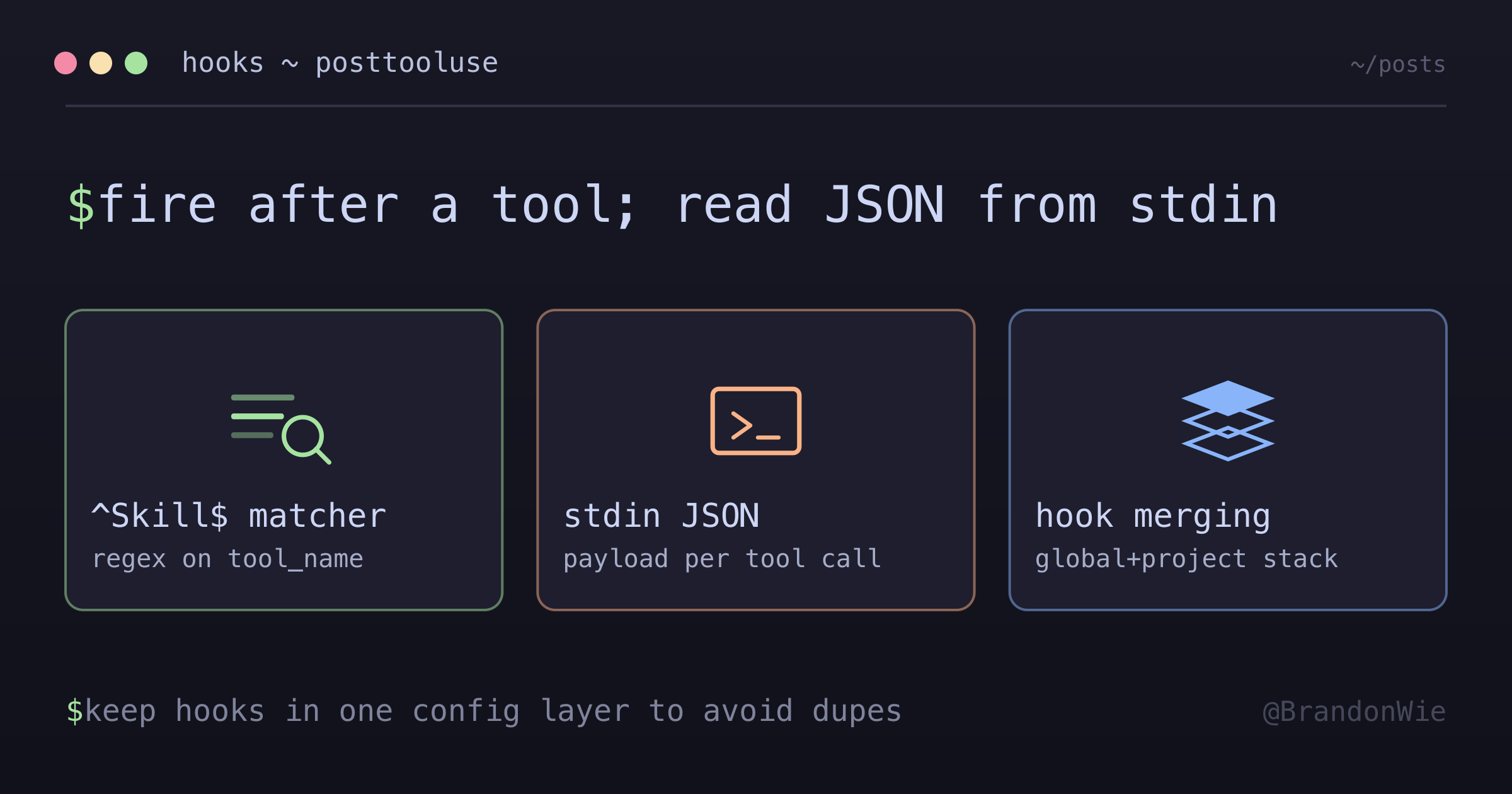
The tool_name field identifies which tool was called. For skill invocations, tool_name is "Skill" and tool_input.skill contains the specific skill name. The matcher in your hook configuration is a regex tested against tool_name — so ^Skill$ matches only skill invocations, not other tools like Read or Write.
The Skill Usage Tracker
Here’s the pattern: a PostToolUse hook with matcher ^Skill$ calls a Python script that reads the stdin JSON, extracts the skill name, and increments a counter in a persistent JSON file.
# ~/.claude/scripts/track-skill-usage.py
data = json.load(sys.stdin)
skill = data.get("tool_input", {}).get("skill", "")
usage[skill]["count"] += 1
usage[skill]["last_used"] = today
The output file (~/.claude/skill-usage.json) tracks count, first use date, and last use date per skill:
{
  "wrap": {
    "count": 5,
    "first_used": "2026-02-09",
    "last_used": "2026-02-09"
  }
}
This counter-based approach uses O(1) file size regardless of how many times skills are invoked. A log-based approach would grow unboundedly.
The Gotchas
These are the things that tripped me up and are worth knowing before writing your own hooks:
Hook merging, not replacing. Claude Code merges hooks from all config layers (global ~/.claude/settings.json + project settings.local.json). If the same matcher + script appears in both, it fires twice per tool call. This is different from permissions, where project-level can override global. For hooks, both always fire.
Double-counting footgun. A ^Skill$ → track-skill-usage.py hook in both global and project configs causes every skill invocation to increment the counter twice. Existing counts become ~2x inflated. The fix: keep the hook in global config only; remove from project settings.local.json.
Execute permissions are optional (but set them anyway). Hook scripts invoked as python3 ~/.claude/scripts/script.py don’t need execute permission — Python reads the file directly. The shebang line is decorative in this case. But set chmod +x for consistency and in case you ever invoke the script directly.
Design Decisions
Several choices in this implementation are intentional:
- Counter, not log — O(1) file size is sufficient for frequency analysis. You don’t need individual invocation records.
- Double safety —
|| truein the hook command plus bareexcept: passin Python means hooks never block Claude. A failing hook should be invisible to the user. - No dependencies — Python stdlib only (
json,sys,os). No pip installs, no virtual environment. - Portable — The script lives in both
~/.claude/scripts/(live) andglobal-claude-setup/scripts/(bootstrap), so it’s available on fresh machines after running the setup.
Key Points
- Matcher is a regex tested against
tool_name— use^Skill$to match only skill invocations - Multiple PostToolUse entries can coexist; all matching entries fire
- Hook commands run in the user’s shell (zsh on macOS)
- Always append
|| trueto prevent hook failures from blocking Claude - Keep hooks in global config only to avoid double-firing from merged configs
Takeaway
PostToolUse hooks give you programmatic access to Claude Code’s tool execution lifecycle. The pattern is simple: regex matcher on tool_name, a script that reads JSON from stdin, and || true to prevent failures from blocking Claude. The main gotcha is hook merging — global and project-level hooks stack, they don’t override. Keep hooks in one config layer to avoid double-counting.
Comments · github discussions
repo brandonwie/brandonwie.dev · category "Blog Comments" · term claude-code-posttooluse-hooks