A Reproducible DOCX-to-PDF Export with LibreOffice Headless
Export a Word-list-formatted `.docx` to a PDF whose page layout and searchable text layer both survive, on macOS. Apple Pages is the obvious built-in path (File > Export To > PDF), but in this document it failed both checks.
On this page
I needed a stable PDF from a Word-list-formatted DOCX on macOS. The obvious path was to open the file in Pages and run the documented export, File > Export To > PDF. The resulting artifact failed the two checks that mattered here: repeatable layout and an intact searchable text layer.
This is one document and one toolchain, not a general comparison of PDF renderers. What mattered more than the renderer choice was the verification step, which let me check the export instead of eyeballing it before sending.
What failed in the Pages path
Two fresh imports of the same committed DOCX produced different page-two layouts. One looked correct; the other displaced list markers to the end of a previous bullet.
The searchable text also changed. pdftotext split terms such as Airflow into
Air ow and Actions into Ac ons, and the token count came out well off the
source mirror. The splits all landed on ligature pairs (fl in Airflow, ti in
Actions and real-time), so the glyph rendered but the extracted character
did not. A human could still infer the words visually, but a parser would
receive different text.
One OOXML detail contributed to the layout behavior. In this file, setting
paragraph_format.keep_with_next = False in python-docx produced
<w:keepNext w:val="0"/>, while removing the element with None avoided the
problem in Pages. The implied reading is that Pages ignores the val attribute
here and treats the element as present-therefore-true, so an explicit “off”
lands as “on”. That observation is version- and document-specific, so I kept it
in the test case rather than treating it as a general OOXML rule.
Export with LibreOffice headless
For this document, LibreOffice headless produced repeatable layout and intact searchable text:
brew install --cask libreoffice
/Applications/LibreOffice.app/Contents/MacOS/soffice --headless \
  --convert-to pdf --outdir "$OUT_DIR" document.docx
LibreOffice documents --headless, --convert-to, and --outdir, so the
export is easy to script. The four checks below are not part of that documented
surface; they came out of this failure. Running the command was not the part I
trusted, though. I still checked the file it produced.
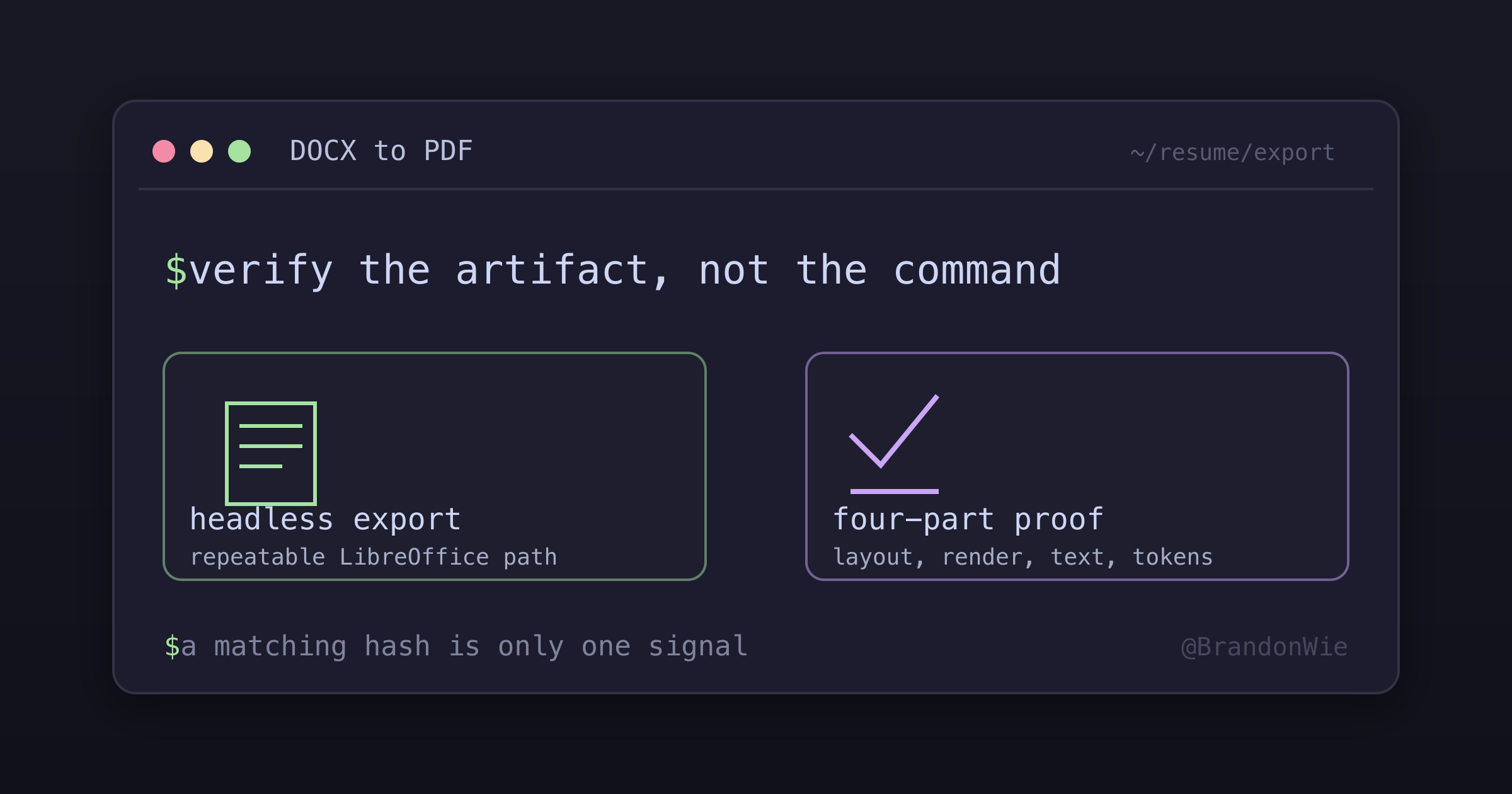
Verify the artifact, not the command
The check had four parts:
- Repeatability: convert twice and compare per-page raster hashes (PyMuPDF
page.get_pixmap(dpi=140).samplesmd5) to see whether the output repeats. - Dual-renderer visual check: rasterize with both PyMuPDF and Poppler
(
pdftoppm), then look at every page. A defect that one renderer smooths over tends to show up in the other. - Text-layer regression scan:
pdftotext file.pdf - | grep -cE "Air ow|Ac ons|real- me"must return 0, and important terms have to survive a spot check intact. - Token parity: compare the normalized word-token count of
pdftotextoutput against the source text mirror, with reviewed exceptions for line-break hyphenation. A split likeauto-scalingbecomingautoscalingwas the only difference I was willing to accept.
Two identical hashes tell me the conversion repeats. They say nothing about whether the page actually looks right, so the visual and text-layer checks stay separate.
Practical takeaway
This fits automated DOCX-to-PDF exports where both the layout and the searchable text matter and the renderer version can be pinned. The DOCX stays the editable source and the verified PDF is a frozen submission artifact, so any edit to the source invalidates the PDF and sends me back through the checks.
For a document only a person will read, four checks is probably more machinery than the job deserves. And if the template, the fonts, or either application’s version changes, I would rerun the comparison rather than assume this result carries over.
Comments · github discussions
repo brandonwie/brandonwie.dev · category "Blog Comments" · term docx-pdf-export-pages-vs-libreoffice