Airflow DAG start_date and Manual Triggers
When manually triggering a DAG, Airflow may skip task execution if the trigger
On this page
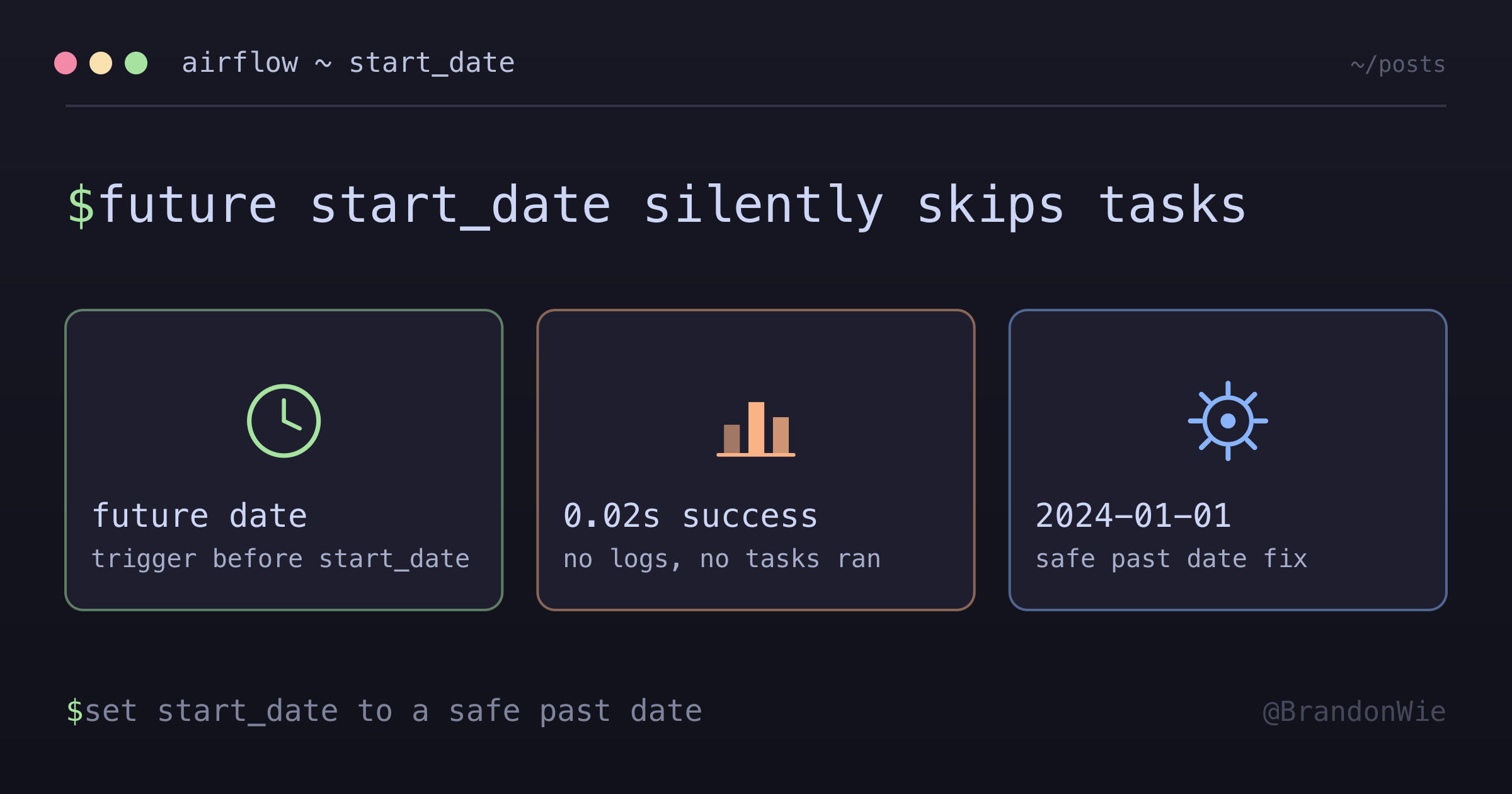
I manually triggered a backfill DAG and it showed “success” instantly — 0.02 seconds, no task logs, no Docker containers started, no Slack notifications. The DAG appeared to run but did absolutely nothing. I checked task dependencies, the Docker image, the Celery worker — everything looked fine. The problem was much simpler: the DAG’s start_date was set to a future date.
When Airflow’s trigger date falls before the DAG’s start_date, it silently marks the run as successful without executing any tasks. No error, no warning, no indication that anything went wrong.
The Trap
Here’s the code that caused the issue:
with DAG(
    dag_id="my_dag",
    start_date=datetime(2026, 1, 29),  # Future date
    ...
) as dag:
When manually triggered on January 27th:
- Trigger date (2026-01-27) is before
start_date(2026-01-29) - Airflow marks the DAG run as success without executing tasks
- Total duration: ~0.02 seconds (no actual work done)
How to Spot This
The symptoms are distinctive once you know what to look for:
- DAG run shows “success” immediately (under 1 second duration)
- No task execution logs at all
- No Docker containers started (for DockerOperator tasks)
- Scheduler logs show no “tasks up for execution” entries
- Callbacks don’t fire (no Slack notifications)
The key giveaway is the duration. A real DAG run takes seconds to minutes. A skipped run completes in milliseconds.
The Fix
Use a safe past date that will always be before any trigger date:
with DAG(
    dag_id="my_dag",
    start_date=datetime(2024, 1, 1),  # Safe past date
    ...
) as dag:
That’s it. Change one line. The start_date just needs to be far enough in the past that no manual trigger will ever fall before it.
Which Approach to Use
| Approach | Pros | Cons |
|---|---|---|
2024-01-01 | Simple, always works | Looks arbitrary |
| Actual deployment date | Semantically meaningful | May break manual triggers |
| Future date | Prevents accidental scheduled runs | Breaks manual triggers |
I recommend datetime(2024, 1, 1) as a standard convention across all DAGs. It’s predictable, always safe, and eliminates this class of bug entirely.
Won’t This Cause Unwanted Scheduled Runs?
No. The start_date primarily controls when scheduled runs begin, but for DAGs with catchup=False, Airflow won’t create runs for past dates anyway. Using a past start_date doesn’t trigger a flood of backfill runs — it only ensures manual triggers always work.
Takeaway
If an Airflow DAG shows “success” in under a second with no task logs, check the start_date. A future start_date causes Airflow to silently skip task execution on manual triggers. Set start_date to a safe past date like datetime(2024, 1, 1) across all your DAGs. Combined with catchup=False, this prevents both the silent-skip bug and unwanted historical runs.
Comments · github discussions
repo brandonwie/brandonwie.dev · category "Blog Comments" · term airflow-dag-start-date