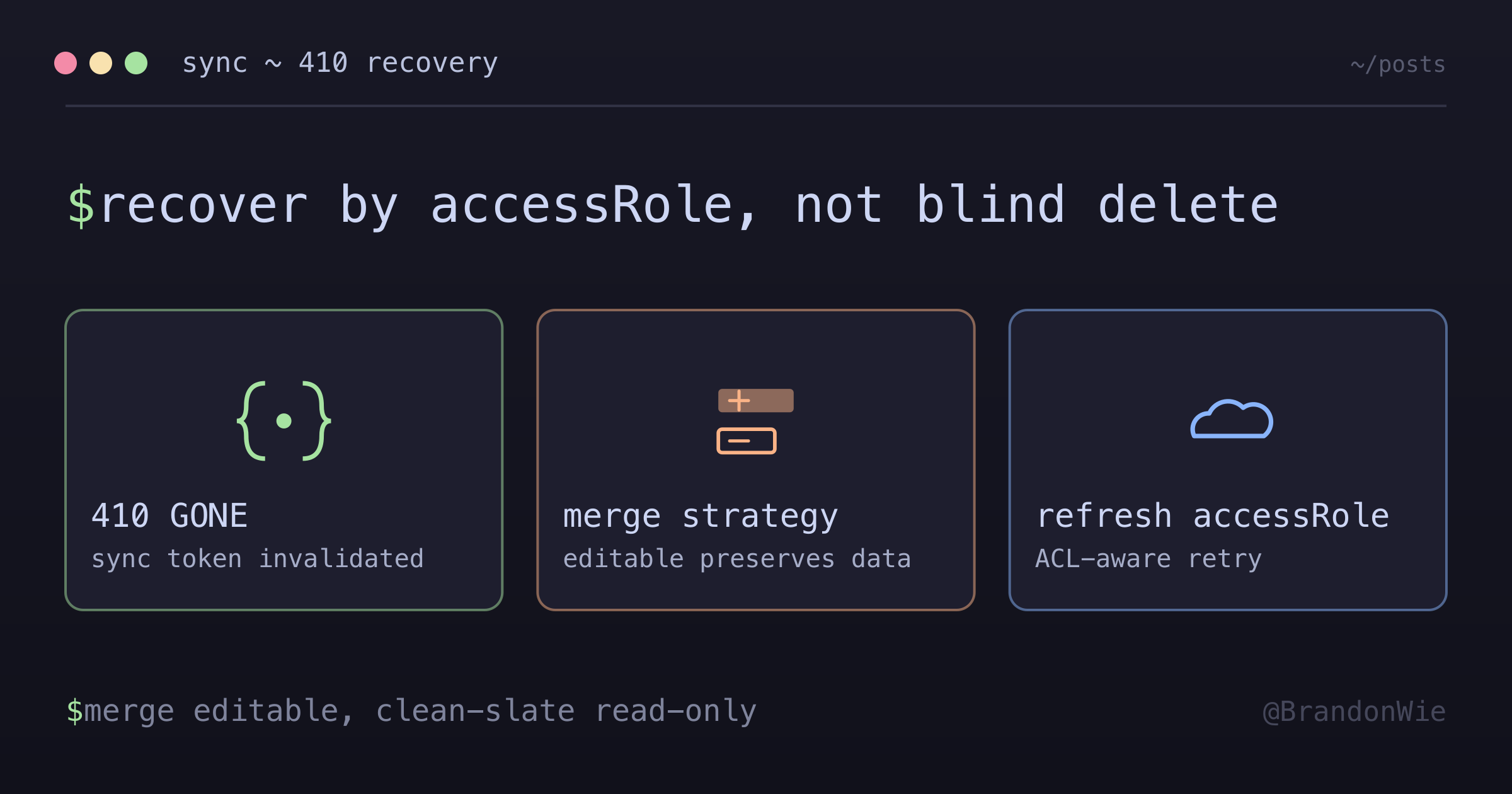
Sync Token 무효화 복구 (410 GONE)
Google Calendar API가 410 GONE을 반환하면 sync token이 무효화되고 전체 재동기화가 필요해요. 올바른 처리 방법을 알아봐요.
이 글 목차
캘린더 이벤트에 달아둔 메모와 공간 할당이 통째로 사라지는 production 버그를
들여다본 적이 있어요. 동기화 한 사이클이 돌고 나면 사용자 고유 데이터가 전부
없어지고, Google에서 받은 깨끗한 사본으로 덮여 있었어요. 트리거는 Google
Calendar API의 410 GONE 응답이었어요. sync token이 무효화되면서 전체 resync가
돌았고, resync 코드가 모든 걸 지우고 처음부터 다시 만들었어요. 앱 고유 필드도
거기에 전부 딸려 나갔고요.
Sync Token이 무효화되는 이유
Google Calendar API는 sync token으로 incremental sync를 해요. 직전에 받은
토큰을 넘기면, Google은 그 시점 이후의 변경분만 돌려줘요. 그런데 이 토큰이
무효화되면 변경분 대신 410 GONE이 날아와요. Google 문서엔 이렇게 적혀
있어요.
“Sometimes sync tokens are invalidated by the server, for various reasons including token expiration or changes in related ACLs.”
토큰 만료뿐 아니라 관련 ACL 변경도 무효화 사유가 된다는 뜻이에요.
그러니까 410 GONE은 시간이 지나서만 나는 게 아니에요. 캘린더의 ACL 변경(공유 권한이 바뀌거나 빠지거나)으로도 토큰이 무효화돼요. 사용자가 다른 캘린더에 공유 접근을 받거나 잃기만 해도, 전혀 무관한 integration이 전체 resync를 타게 될 수 있어요.
데이터 유실 버그
원래 resync 핸들러는 무식할 만큼 단순했어요. 다 지우고 Google에서 다시 만드는 방식이었거든요.
// ❌ 위험: 앱 고유 데이터가 사라짐
async handleResync(calendarId: string) {
  await this.blockRepo.delete({ calendarId });  // 날아감!
  const events = await this.googleApi.listEvents(calendarId);
  await this.createBlocksFromEvents(events);
}
이 방식은 Google에 없는 모든 앱 고유 데이터를 파괴해요. 커스텀 메모(note 필드),
링크 데이터(linkData), 공간 할당(spaceId), 사용자가 손댄 모든 커스터마이징이
전부 날아가는 거예요. 캘린더 이벤트 자체는 Google이 source of truth지만, 앱 고유
데이터는 앱이 따로 갖고 있어요. resync가 그걸 같이 버리면 안 돼요.
해결: accessRole로 전략 선택
해법은 캘린더의 access level에 따라 복구 전략을 다르게 가져가는 거예요. 편집 가능한 캘린더(owner/writer)에는 사용자 커스터마이징이 남아 있을 수 있으니 보존이 필요해요. 읽기 전용 캘린더(reader/freeBusyReader)는 커스터마이징이 들어갈 일이 없으니 clean-slate resync가 안전해요.
async handleResync(calendar: Calendar) {
  const accessRole = calendar.accessRole;

  if (isEditableCalendar(accessRole)) {
    // MERGE: 앱 고유 필드 보존
    await this.mergeResync(calendar);
  } else {
    // CLEAN-SLATE: 읽기 전용 캘린더에 안전
    await this.cleanSlateResync(calendar);
  }
}

function isEditableCalendar(accessRole: string | null): boolean {
  if (!accessRole) {
    Sentry.captureMessage('accessRole is null during 410 recovery');
    return false;  // 편집 불가로 취급(clean-slate)
  }
  return ['owner', 'writer'].includes(accessRole);
}
Merge 전략(편집 가능한 캘린더)
사용자가 이벤트를 만들고 수정하는 캘린더에서는 merge 전략이 앱 고유 필드를 보존하고 Google에서 온 필드만 갱신해요.
async mergeResync(calendar: Calendar) {
  const events = await this.googleApi.listEvents(calendar.gcalId);

  for (const event of events) {
    const existing = await this.blockRepo.findOne({
      where: { calendarId: calendar.id, gcalId: event.id }
    });

    if (existing) {
      // UPDATE: 앱 필드는 유지하고 Google 필드만 갱신
      await this.updateBlockFromEvent(existing, event);
    } else {
      // INSERT: Google에서 온 새 이벤트
      await this.createBlockFromEvent(event);
    }
  }
}
한 가지는 솔직하게 짚고 갈게요. 410이 왔을 때 Google 문서가 권하는 방식은 이보다 단호해요. 410 응답은 “should trigger a full wipe of the client’s store and a new full sync”라고 적혀 있고, Google 데이터를 그대로 미러링한 부분이라면 그 말이 맞아요.
위 merge 루프에는 그 부분이 빠져 있어요. upsert만 돌리면 Google이 더 이상 돌려주지 않는 이벤트의 로컬 레코드는 영영 남아요. 그래서 merge 경로에도 새로 받은 목록에 없는 event ID를 지우는 단계가 필요해요. merge가 지켜주는 건 앱이 소유한 필드고, 오래된 이벤트는 그래도 정리해야 해요.
Clean-slate 전략(읽기 전용 캘린더)
읽기 전용 캘린더는 보호할 앱 고유 데이터가 없어요. 그냥 지우고 다시 만드는 게 안전하고 더 단순해요.
async cleanSlateResync(calendar: Calendar) {
  // 안전: 읽기 전용 캘린더에는 앱 고유 데이터가 없음
  await this.blockRepo.delete({ calendarId: calendar.id });
  const events = await this.googleApi.listEvents(calendar.gcalId);
  await this.createBlocksFromEvents(events);
}
ACL을 의식한 복구
410 GONE이 ACL 변경으로도 트리거되니까, 직전 sync 이후로 캘린더의 access role이 달라졌을 수 있어요. 복구 전략을 고르기 전에 메타데이터를 새로 가져와야 해요.
async handleFindEventsWithResync(calendar: Calendar) {
  const result = await this.findEvents(calendar);

  if (result.resyncRequired) {
    // 중요: 재시도 전에 메타데이터 갱신
    const freshCalendar = await this.googleApi.getCalendar(calendar.gcalId);

    if (freshCalendar) {
      // Google에서 모든 필드 업데이트
      await this.updateCalendar(calendar.id, freshCalendar);
    }

    // 갱신된 accessRole로 재시도
    return this.handleResync(calendar);
  }

  return result;
}
판단 기준표
| accessRole | 전략 | 이유 |
|---|---|---|
owner | Merge | 사용자가 커스터마이징 가능 |
writer | Merge | 사용자가 커스터마이징 가능 |
reader | Clean-slate | 읽기 전용, 커스터마이징 없음 |
freeBusyReader | Clean-slate | 바쁨/한가함 정보만 표시 |
null | Clean-slate | 예상 외 상태, Sentry에 로깅 |
메타데이터 갱신을 빼먹으면 두 가지 사고가 가능해요. 지금은 읽기 전용이 된 캘린더에 merge 전략을 돌려서 헛수고를 하거나, 지금은 편집 가능해진 캘린더에 clean-slate를 돌려서 데이터를 잃거나요.
정리
Google Calendar의 sync API에서 410 GONE을 받았을 때, 무작정 다 지우고 다시
만들면 안 돼요. 복구를 두 갈래로 쪼개세요. 편집 가능한 캘린더는 merge로
앱 고유 데이터를 살리되 Google이 더 이상 주지 않는 이벤트는 같이 정리하고,
읽기 전용은 clean-slate로 빠르게 끝내요. 그리고 전략을 고르기 전에 항상
캘린더 메타데이터를 새로 가져오세요. 410을 일으킨
원인 자체가 access role을 바꾼 ACL 변경일 수 있으니까요.
댓글 · github discussions
repo brandonwie/brandonwie.dev · category "Blog Comments" · term sync-token-invalidation-recovery