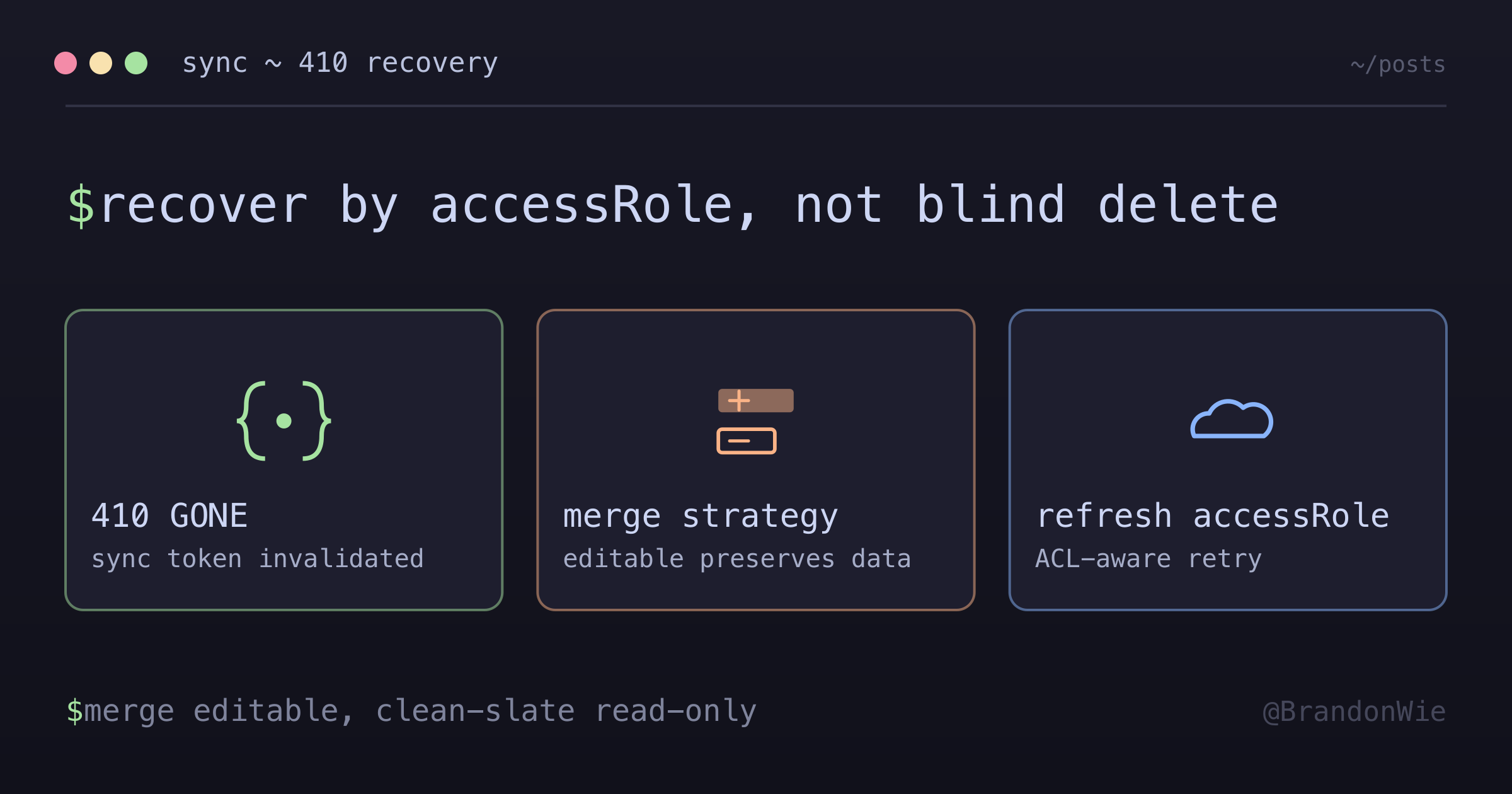
Sync Token Invalidation Recovery (410 GONE)
When Google Calendar API returns 410 GONE, the sync token is invalidated and a full resync is required. Proper handling prevents data loss.
On this page
I was investigating a production bug where users were losing their custom notes and space assignments on calendar events. After a sync cycle, all user-specific data was gone, replaced with a clean copy from Google. The trigger was a 410 GONE response from the Google Calendar API, which invalidated our sync token and kicked off a full resync. The resync code deleted everything and recreated from scratch, and every application-specific field went with it.
Why Sync Tokens Invalidate
Google’s Calendar API uses sync tokens for incremental synchronization. You pass the token from your last sync, and Google returns only the changes since then. But tokens can be invalidated, and then you get 410 GONE instead of a change list. From Google’s documentation:
“Sometimes sync tokens are invalidated by the server, for various reasons including token expiration or changes in related ACLs.”
So 410 GONE isn’t limited to time-based expiration. ACL changes (permission changes on a calendar) invalidate tokens too. A user getting shared access to a calendar, or losing it, can trigger a full resync on a completely unrelated integration.
The Data Loss Bug
The original resync handler was brutally simple. Delete everything, then recreate from Google:
// ❌ DANGEROUS: Loses app-specific data
async handleResync(calendarId: string) {
  await this.blockRepo.delete({ calendarId });  // Gone!
  const events = await this.googleApi.listEvents(calendarId);
  await this.createBlocksFromEvents(events);
}
This approach destroyed all application-specific data that doesn’t exist in Google: custom notes (note field), link data (linkData), space assignments (spaceId), and any user customizations. Google is the source of truth for calendar event data, but the application owns its own data, and a resync should never throw that away.
The Fix: Strategy Selection by Access Role
The solution is to use different recovery strategies based on the calendar’s access level. Editable calendars (owner/writer) can have user customizations that need preserving. Read-only calendars (reader/freeBusyReader) can’t have user customizations, so a clean-slate resync is safe:
async handleResync(calendar: Calendar) {
  const accessRole = calendar.accessRole;

  if (isEditableCalendar(accessRole)) {
    // MERGE: Preserve app-specific fields
    await this.mergeResync(calendar);
  } else {
    // CLEAN-SLATE: Safe for read-only calendars
    await this.cleanSlateResync(calendar);
  }
}

function isEditableCalendar(accessRole: string | null): boolean {
  if (!accessRole) {
    Sentry.captureMessage('accessRole is null during 410 recovery');
    return false;  // Treat as non-editable (clean-slate)
  }
  return ['owner', 'writer'].includes(accessRole);
}
Merge Strategy (Editable Calendars)
For calendars where the user can create and modify events, the merge strategy preserves application-specific fields while updating Google-sourced fields:
async mergeResync(calendar: Calendar) {
  const events = await this.googleApi.listEvents(calendar.gcalId);

  for (const event of events) {
    const existing = await this.blockRepo.findOne({
      where: { calendarId: calendar.id, gcalId: event.id }
    });

    if (existing) {
      // UPDATE: Keep app fields, update Google fields
      await this.updateBlockFromEvent(existing, event);
    } else {
      // INSERT: New event from Google
      await this.createBlockFromEvent(event);
    }
  }
}
One honest caveat: Google’s own guidance for a 410 is blunter than this. The docs say the response “should trigger a full wipe of the client’s store and a new full sync,” and for the mirrored copy of Google’s data that is exactly right.
The merge loop above skips that part. Upserting alone never removes rows for events Google no longer returns, so a merge path also needs a delete pass for local records whose event IDs are missing from the fresh listing. What merge protects is the app-owned fields; the stale events still have to go.
Clean-Slate Strategy (Read-Only Calendars)
For read-only calendars, there’s no application-specific data to protect. A clean delete-and-recreate is safe and simpler:
async cleanSlateResync(calendar: Calendar) {
  // Safe: Read-only calendars have no app-specific data
  await this.blockRepo.delete({ calendarId: calendar.id });
  const events = await this.googleApi.listEvents(calendar.gcalId);
  await this.createBlocksFromEvents(events);
}
ACL-Aware Recovery
Since 410 GONE can be triggered by ACL changes, the calendar’s access role might have changed since the last sync. Fetch fresh metadata before selecting a recovery strategy:
async handleFindEventsWithResync(calendar: Calendar) {
  const result = await this.findEvents(calendar);

  if (result.resyncRequired) {
    // CRITICAL: Refresh metadata before retry
    const freshCalendar = await this.googleApi.getCalendar(calendar.gcalId);

    if (freshCalendar) {
      // Update ALL fields from Google
      await this.updateCalendar(calendar.id, freshCalendar);
    }

    // Retry with updated accessRole
    return this.handleResync(calendar);
  }

  return result;
}
Without this refresh step, you might run a merge strategy on a calendar that’s now read-only (wasted effort) or a clean-slate strategy on a calendar that’s now editable (data loss).
Decision Matrix
| accessRole | Strategy | Reason |
|---|---|---|
owner | Merge | User can customize |
writer | Merge | User can customize |
reader | Clean-slate | Read-only, no customizations |
freeBusyReader | Clean-slate | Only sees free/busy |
null | Clean-slate | Unexpected, log to Sentry |
Takeaway
When handling 410 GONE from Google Calendar’s sync API, never do a blind delete-and-recreate. Split your recovery into two strategies based on accessRole: merge for editable calendars (preserves application-specific data, provided it also drops events Google stopped returning), clean-slate for read-only calendars (safe and fast). Always refresh calendar metadata before choosing a strategy, because the 410 itself might have been triggered by the ACL change that altered the access role.
Comments · github discussions
repo brandonwie/brandonwie.dev · category "Blog Comments" · term sync-token-invalidation-recovery