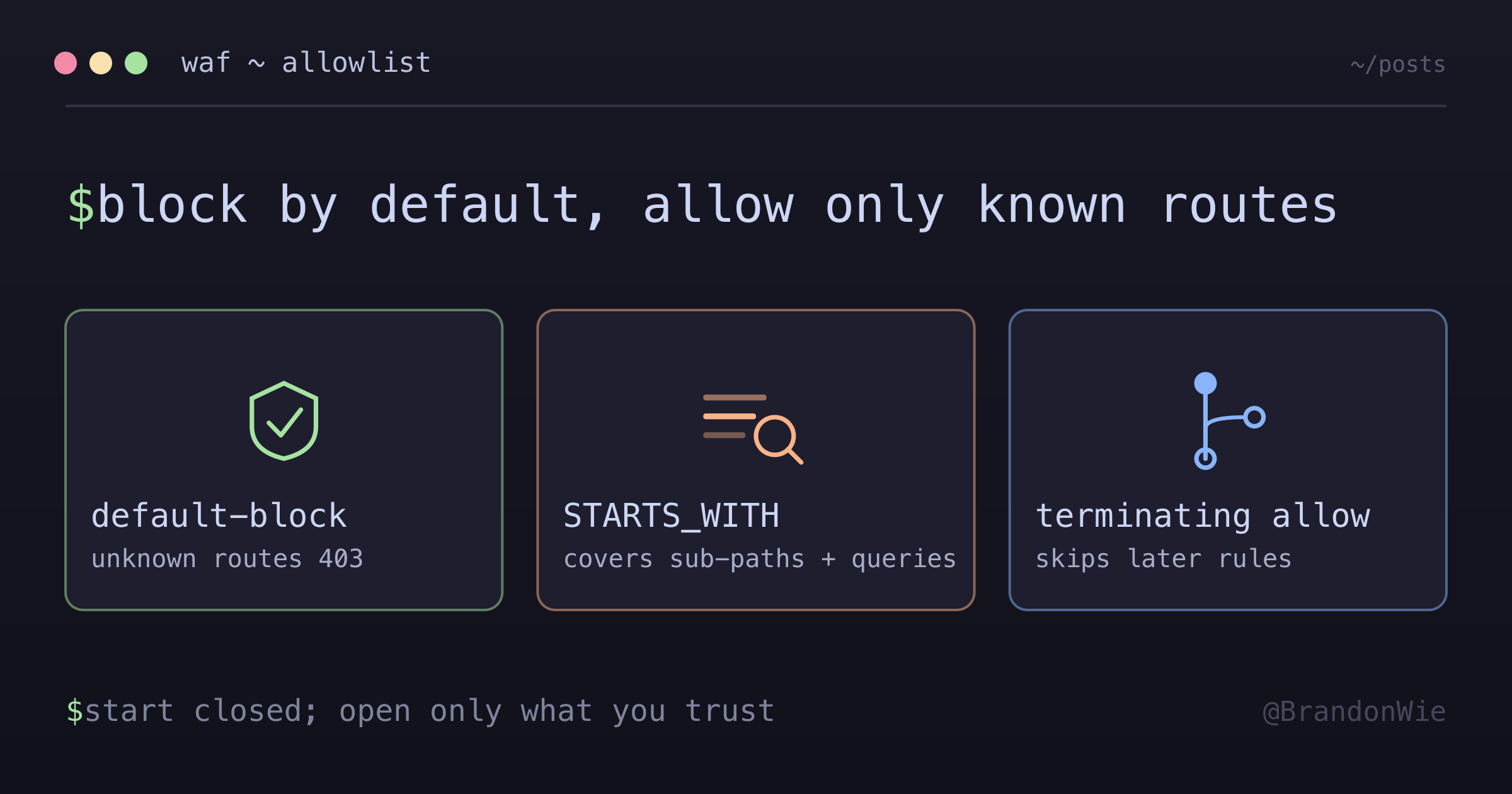
WAF Allowlist Patterns
Block-by-default WAF approach using route allowlisting. Unknown routes are blocked automatically, which is stronger security than a blocklist.
On this page
- Allowlist vs Blocklist
- Implementation Patterns
- Pattern 1: Regex Consolidation (Dev/Cost-Optimized)
- Pattern 2: Explicit Rules (Prod/Clarity)
- Rule Evaluation: Terminating Allow Skips Later Rules
- Path Matching Strategies
- STARTS_WITH
- EXACTLY
- CONTAINS
- WebSocket/Socket.IO Paths
- Verification Commands
- Check WAF Rules
- Check Blocked Requests
- Status-Code Triage: Which Layer Rejected the Request?
- Cost Optimization
- Difficulties Encountered
- Versioned Route Prefix Gotcha
- The Inverse Case: Sub-Paths Are Already Covered
- Terraform Plan Review: Reading Set-Diff on Rule Changes
- Key Takeaways
I noticed our production API was receiving thousands of requests to paths like /wp-admin, /phpmyadmin, and /.env. Bots scanning for vulnerabilities, hitting every common exploit path they know. Our API returned 404s for all of them, but each request still consumed compute resources, cluttered logs, and occasionally triggered rate limiting for legitimate users.
The fix was to flip the default: instead of allowing everything and blocking known-bad paths, block everything and allow only the routes our API serves. This is the allowlist approach to WAF configuration, and it is fundamentally stronger than the blocklist alternative.
Allowlist vs Blocklist
| Approach | Default Action | Security | Maintenance |
|---|---|---|---|
| Allowlist | Block | ✅ Stronger | Must add new routes |
| Blocklist | Allow | ❌ Weaker | Must block new attacks |
With a blocklist, you are playing defense. Every new attack vector requires a new rule. Miss one, and the request reaches your application. You are always one step behind.
With an allowlist, unknown routes are blocked by default. A bot scanning for /wp-admin gets a 403 before it touches your application. You do not need to know about the attack — any path not in your allowlist is rejected automatically.
The recommendation: use allowlist for APIs with known, stable routes. If your API serves /users, /orders, /invoices, and /socket.io, those are the only paths that should reach your application. Everything else is noise.
The tradeoff is maintenance. Every time you add a new API route, you must also update the WAF allowlist. Forgetting to do so means the new route returns 403 in production. This is a deployment step that needs to be in your checklist, but the security benefit far outweighs the operational cost.
Implementation Patterns
There are two ways to structure an allowlist in AWS WAF. I use both, for different environments.
Pattern 1: Regex Consolidation (Dev/Cost-Optimized)
A single regex rule matches multiple paths at once:
resource "aws_wafv2_web_acl" "dev" {
  rule {
    name     = "AllowLegitimateRoutes"
    priority = 1

    statement {
      regex_pattern_set_reference_statement {
        arn = aws_wafv2_regex_pattern_set.allowed_routes.arn
        field_to_match {
          uri_path {}
        }
        text_transformation {
          priority = 0
          type     = "NONE"
        }
      }
    }

    action {
      allow {}
    }
  }

  # Default: Block everything else
  default_action {
    block {}
  }
}

resource "aws_wafv2_regex_pattern_set" "allowed_routes" {
  name  = "allowed-routes"
  scope = "REGIONAL"

  regular_expression {
    regex_string = "^/(users|orders|invoices|sync|socket\\.io)"
  }
}
The entire allowlist lives in a single regex pattern. One rule, one pattern set, minimal WAF cost.
Pros: Fewer rules means lower WAF billing. At $1 per rule per month, a single regex rule versus ten explicit rules saves $9/month.
Cons: The regex gets harder to maintain as you add routes. A complex regex with 20 alternatives is error-prone and difficult to review in a pull request.
Pattern 2: Explicit Rules (Prod/Clarity)
Separate rules for each path category, using byte match statements:
resource "aws_wafv2_web_acl" "prod" {
  rule {
    name     = "AllowAPIRoutes"
    priority = 1

    statement {
      or_statement {
        statement {
          byte_match_statement {
            search_string         = "/users"
            positional_constraint = "STARTS_WITH"
            field_to_match { uri_path {} }
            text_transformation {
              priority = 0
              type     = "NONE"
            }
          }
        }
        statement {
          byte_match_statement {
            search_string         = "/orders"
            positional_constraint = "STARTS_WITH"
            field_to_match { uri_path {} }
            text_transformation {
              priority = 0
              type     = "NONE"
            }
          }
        }
      }
    }

    action {
      allow {}
    }
  }

  rule {
    name     = "AllowWebSocketRoutes"
    priority = 2

    statement {
      byte_match_statement {
        search_string         = "/socket.io"
        positional_constraint = "STARTS_WITH"
        field_to_match { uri_path {} }
        text_transformation {
          priority = 0
          type     = "NONE"
        }
      }
    }

    action {
      allow {}
    }
  }

  default_action {
    block {}
  }
}
Each route category gets its own named rule. API routes are grouped in an or_statement, and WebSocket routes get a separate rule.
Pros: Clear and maintainable. Adding a new route means adding a byte match statement to the appropriate rule. Easy to review, easy to debug. When a request is blocked, the WAF logs tell you which rule evaluated it and why.
Cons: More rules means higher WAF cost. Each rule is $1/month. For production, the clarity is worth the cost.
Rule Evaluation: Terminating Allow Skips Later Rules
The priority field on each rule is not cosmetic. WAFv2 evaluates rules in ascending priority order, and an allow {} action is terminating — the moment an allowlist rule matches, WAF stops evaluating. Any later rule, including AWS managed rule groups and rate-based rules, never runs for that request.
That carries a security consequence worth calling out: allowlisted routes bypass the managed protections entirely. If you attach the OWASP or SQL-injection managed rule groups at a lower priority than your allow rule, they only ever see traffic that failed the allowlist — never the routes you explicitly trust. Those trusted routes get lower latency because WAF short-circuits, but they also get zero managed-rule coverage.
For most public API routes that is an acceptable trade: you control the handler, and the allowlist already rejected everything else. It matters most for internal or privileged endpoints — an /admin/* namespace, say — where allowlisting means managed rules and rate limiting never apply, so the application itself has to carry that protection. Factor that into the threat model before adding the allow entry.
Path Matching Strategies
WAF offers three positional constraints. Choosing the right one for each path prevents both false positives (blocking legitimate requests) and false negatives (allowing unintended paths).
STARTS_WITH
positional_constraint = "STARTS_WITH"
search_string         = "/socket.io"
Matches: /socket.io, /socket.io/, /socket.io?EIO=4
This is the right choice for most API routes. Real requests include query parameters, sub-paths, and trailing slashes. STARTS_WITH handles all of these without listing every variation.
EXACTLY
positional_constraint = "EXACTLY"
search_string         = "/health"
Matches: only /health, nothing else.
Use this for health check endpoints and other paths that should never have sub-paths or query parameters. The strictness prevents attackers from appending paths like /health/../admin.
There is a second reason to reach for EXACTLY, and it is easy to overlook: STARTS_WITH matches more than the path and its subtree. STARTS_WITH "/foo" matches /foo and /foo/bar, but it also matches sibling prefixes like /foo-bar and /foobar. For a single-route endpoint with no subtree — say, a lone POST /reindex — allowlisting it with STARTS_WITH quietly admits every future sibling path that happens to share the prefix, /reindex-all included. EXACTLY "/reindex" closes that leak.
The trade-off is that EXACTLY also rejects the trailing-slash variant (/reindex/) and any subpath added later — each one then needs its own entry, the same discipline as maintaining /health alongside a hypothetical /health/websocket. The decision rule I settled on:
- Lone fixed path, no subtree →
EXACTLY "/foo" - Sub-paths or query parameters expected →
STARTS_WITH "/foo" - Subtree wanted, sibling leak not → boundary-safe regex
^/foo(/|$)
CONTAINS
positional_constraint = "CONTAINS"
search_string         = "/api/"
Matches: any path containing /api/ anywhere.
Use this for API versioning patterns like /v1/api/users or /v2/api/orders. Be careful with CONTAINS — it is the least restrictive constraint and can match more broadly than you intend.
WebSocket/Socket.IO Paths
Socket.IO deserves special attention because it uses multiple sub-paths with query parameters:
/socket.io/?EIO=4&transport=polling
/socket.io/?EIO=4&transport=websocket
The initial connection uses HTTP long-polling at /socket.io/?EIO=4&transport=polling, then upgrades to WebSocket at /socket.io/?EIO=4&transport=websocket. Both paths must be allowed for Socket.IO to function.
Always use STARTS_WITH for Socket.IO:
byte_match_statement {
  search_string         = "/socket.io"
  positional_constraint = "STARTS_WITH"
}
Using EXACTLY would block both paths because of the query parameters. Using a regex would work but adds unnecessary complexity. STARTS_WITH covers all Socket.IO sub-paths and transports with a single rule.
Verification Commands
After deploying WAF changes, verify that the rules are active and working as expected.
Check WAF Rules
aws wafv2 get-web-acl \
  --name app-prod-waf \
  --scope REGIONAL \
  --id <webacl-id> \
  --region ap-northeast-2 \
  --query 'WebACL.Rules[?Name==`AllowAPIRoutes`]'
This returns the rule definition so you can confirm the byte match statements are correct.
One thing to know before you grep that output: the literal path may not be in it. Each ByteMatchStatement.SearchString came back base64-encoded for me, so searching the JSON for /reindex found nothing even though the rule was live.
That is consistent with the API contract — SearchString is typed as a base64-encoded binary data object, and the docs say the CLI and SDKs handle the encoding for you on the way in. What the docs do not state anywhere I could find is how the value is rendered on the way out. So treat this as observed behavior, not a guarantee: it is what AWS CLI v2 printed for me in June 2026, and worth confirming in your own environment before you script around it.
Either grep for the encoded value (/reindex encodes to L3JlaW5kZXg=) or base64-decode the field:
aws wafv2 get-web-acl --name app-prod-waf --scope REGIONAL --id <id> \
  --region ap-northeast-2 --query 'WebACL.Rules' --output json \
  | grep -c "L3JlaW5kZXg="   # 1 = present
Check Blocked Requests
aws wafv2 get-sampled-requests \
  --web-acl-arn <webacl-arn> \
  --rule-metric-name BlockedRequests \
  --scope REGIONAL \
  --time-window StartTime=2024-01-01T00:00:00Z,EndTime=2024-01-02T00:00:00Z \
  --max-items 100
Review sampled blocked requests after deployment to make sure you are not accidentally blocking legitimate traffic. Look for 403 responses to paths that should be allowed — those indicate a missing allowlist entry.
I make it a habit to check sampled requests within the first hour after any WAF deployment. Catching a missing allowlist entry in the first hour is a quick fix. Discovering it from a customer support ticket is not.
Status-Code Triage: Which Layer Rejected the Request?
Once the allowlist is live, a request travels through three layers — WAF, then the ALB, then the backend (ECS, in our case). When something returns an error, the HTTP status tells you which layer rejected it, which keeps you from debugging the wrong component.
| Status | Source | Meaning |
|---|---|---|
| 403 (custom body) | WAF default action | Path not in the allowlist, blocked before it reaches the ALB |
| 429 | WAF rate-based rule | Per-IP rate limit exceeded |
| 504 | ALB | Passed WAF and ALB; the backend did not respond within idle_timeout (60s default) |
| 502 / 503 | ALB | No healthy target, or the target returned an error |
The non-obvious one is the 504: it is never a WAF block. By the time you see it, the request already cleared the allowlist and reached the backend, so the problem is the handler or its egress — not the WAF rules. A 403 with your custom block body is the opposite signal: the path is missing from the allowlist, and the fix is to add the corresponding byte_match entry (for versioned routes, watch for the /v2/ prefix gotcha covered below).
Cost Optimization
WAF pricing is predictable but adds up with many rules:
| Component | Monthly Cost (approx) |
|---|---|
| Web ACL | $5 |
| Rule | $1 each |
| Request (per million) | $0.60 |
Strategy: Use regex consolidation in dev environments to minimize cost. Use explicit rules in production for clarity and maintainability. The difference between 2 regex rules ($7/month total) and 10 explicit rules ($15/month total) is small enough that production environments should always prioritize debuggability.
For high-traffic APIs, the per-request cost ($0.60 per million) is the dominant factor regardless of which pattern you choose. At 100 million requests per month, you pay $60 in request charges compared to $5-$15 in rule charges. Optimizing the number of rules matters less at scale than optimizing whether requests should reach your API at all.
Difficulties Encountered
Versioned Route Prefix Gotcha
One issue that caught me off guard: STARTS_WITH "/reports" does NOT match /v2/reports. The URI path literally starts with /v2/, not /reports. This is obvious in hindsight, but when you are adding a new versioned API route, it is easy to assume that the existing /reports allowlist entry covers all versions.
Each API version prefix needs its own explicit allowlist entry:
# These are THREE separate statements — not one
statement { byte_match_statement { search_string = "/reports"    ... } }
statement { byte_match_statement { search_string = "/v1/reports" ... } }
statement { byte_match_statement { search_string = "/v2/reports" ... } }
Without the explicit /v2/reports entry, requests silently return 403 in production. The tricky part is that dev environments often blanket-allow /v2/* via regex, so the route works perfectly in dev and only fails in prod where explicit rules are used.
Checklist for new v2 routes: when you add a v2 controller in the backend, add the matching entry to whichever Terraform file holds the production web ACL in the same change. If your dev WAF blanket-allows /v2/*, the route works there automatically — which is exactly why you will not catch this in development.
The Inverse Case: Sub-Paths Are Already Covered
The versioned-route gotcha has an inverse worth checking before you touch Terraform at all. A STARTS_WITH entry covers the entire namespace beneath it: if /invoices is already allowlisted, a new /invoices/archive route is already allowed, and adding a dedicated entry for it is redundant — extra WCU (web ACL capacity units) spent for zero change in behavior.
So the check cuts both ways. Versioned and root prefixes need their own entries; sub-paths under an already-allowed prefix do not. Before reflexively opening a route, read the WAF .tf to see whether an existing namespace entry covers it — a terraform plan that comes back as a no-op confirms the coverage.
Terraform Plan Review: Reading Set-Diff on Rule Changes
One more gotcha shows up the first time you add a single byte_match statement to an existing rule and run terraform plan. It does not render as a clean one-line addition. The AWS provider models rule (and the nested statement blocks) as sets, so the entire rule re-renders as - rule { … } -> null followed by + rule { … }. That reads like the rule is being deleted and recreated.
It is not a deletion. This is set-element replacement: the web ACL stays ~ update in-place, and AWS applies the full rule set atomically through PutWebACL, so there is never a window where a rule is missing.
The consequence is in plan review. Do not read the - rule lines as removals. Verify instead that the new set equals the old set plus your addition — diff the removed and added search_string values and confirm they match except for the one path you added:
grep -E "^[[:space:]]*- +search_string" plan.txt | sed -E 's/.*= "//;s/".*//' | sort | uniq -c
grep -E "^[[:space:]]*\+ +search_string" plan.txt | sed -E 's/.*= "//;s/".*//' | sort | uniq -c
# identical counts except the added path
Key Takeaways
Nine principles for WAF allowlist configuration:
- Default to block. Unknown routes should never reach your application. The allowlist approach handles this automatically.
- Use STARTS_WITH for API routes. Most routes have query parameters or sub-paths. Exact matching is too restrictive for general API paths.
- Do not forget WebSockets. Socket.IO uses multiple sub-paths with query parameters. A single
STARTS_WITHrule on/socket.iocovers all of them. - Use different patterns for dev and prod. Regex consolidation saves cost in dev. Explicit rules save debugging time in prod.
- Verify after every deployment. Use the AWS CLI to confirm rules are active and check sampled requests for false positives.
- Versioned routes need separate entries.
STARTS_WITH "/reports"does not match/v2/reports. Each version prefix requires its own allowlist statement. - Status codes identify the rejecting layer. A 403 with your custom block body means a missing allowlist entry; a 429 is WAF rate limiting; a 504 is the backend timing out after the request already passed WAF — debug the handler, not the rules.
- A terminating
allow {}skips later rules. Once an allowlist rule matches, managed rule groups and rate limiting never run for that request, so privileged internal endpoints must carry their own protection. - Sub-paths of an allowed namespace are already covered. A
STARTS_WITHentry on/invoicesalready allows/invoices/archive, so a dedicated entry adds cost without changing behavior. It is the inverse of the versioned-route rule: version and root prefixes need their own entries, sub-paths do not. Verify with the.tfand aterraform planno-op before adding a rule.
Comments · github discussions
repo brandonwie/brandonwie.dev · category "Blog Comments" · term waf-allowlist-patterns