PortAudio Stale USB Audio Device Handle
Long-running audio daemons using PortAudio silently produce zero-filled buffers when the USB device handle goes stale. Here is how to diagnose and fix it.
On this page
My audio transcription daemon had been running for 9 days. It appeared perfectly healthy — start and stop callbacks fired normally, beep sounds played correctly, logs showed no errors. But every recording came back as digital silence. The daemon was transcribing nothing, and it had been doing so silently for days.
The Problem: Stale USB Device Handles
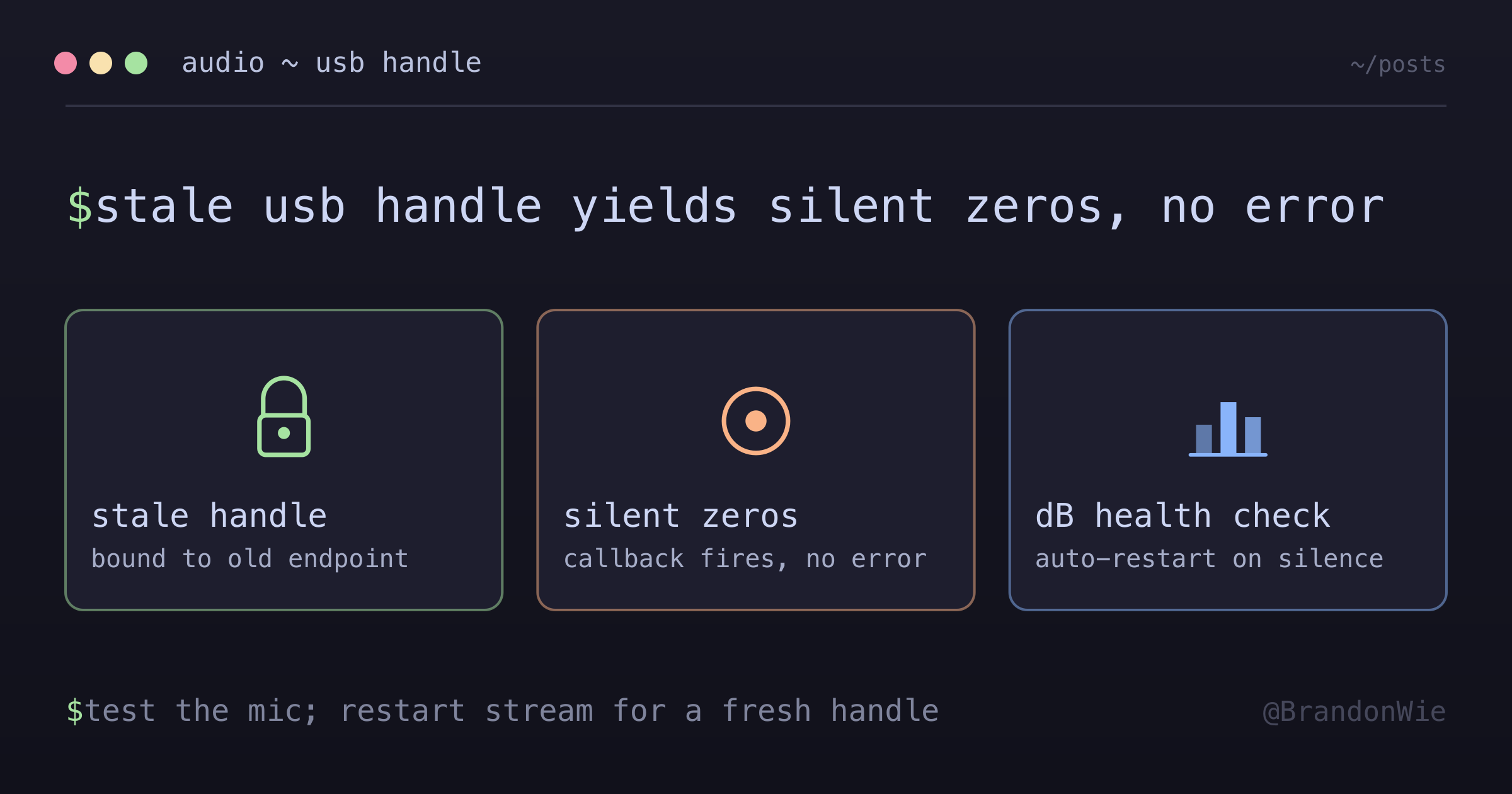
PortAudio (and its Python wrapper sounddevice) binds an InputStream to a specific USB device endpoint when stream.start() is called. That binding is permanent for the stream’s lifetime. When the USB audio device goes through macOS sleep/wake cycles, unplug/replug events, or USB bus re-enumeration, the endpoint changes — but the stream’s handle still points to the old one.
The daemon (claude-stt) held a handle to a RODE NT-USB microphone that was bound to the original USB endpoint from 9 days ago. During that time, macOS sleep/wake cycles caused the device to be reassigned. The handle became invalid, but PortAudio did not surface an error.
Two Failure Modes
This stale handle problem manifests in two distinct ways:
Silent zeros (Symptom A): Every recording shows -200.0 dB (digital silence) in logs. The InputStream callback fires normally with all-zero indata. The status parameter is clean — no overflow, no underflow, no device error. The daemon appears fully functional; it just records silence.
Hard error (Symptom B): sd.InputStream() raises PortAudioError: Internal PortAudio error [PaErrorCode -9986] with macOS AUHAL warnings ('!obj' Unknown Error, -10851 Invalid Property Value). The stream never opens. This variant appears when the device state is more thoroughly corrupted from prior sleep/wake cycles.
Both failure modes are resolved by the same fix: restart the stream to get a fresh device handle.
What Made This Hard to Diagnose
Several factors conspired to make this a difficult debugging session:
- No error signal from PortAudio. The callback model delivers zero-filled buffers on a stale handle instead of raising an exception. The status parameter was clean.
- Misleading first hypothesis. I initially suspected macOS microphone permissions — iTerm2 was in the Privacy list but tmux/Ghostty were not. A direct Python test through the same venv captured audio at -56.4 dB, ruling out permissions.
- Long uptime masked the cause. The daemon had been running since March 21. Because it worked at start and only failed silently, there was no obvious failure timestamp to correlate with a device event.
- -200 dB does not obviously mean “zero.” The log format
Transcribing audio (N samples, -200.0 dB)does not scream “no audio captured” the way “0.0 peak amplitude” would. - PaErrorCode -9986 misdirects toward sample rate. The AUHAL
-10851(Invalid Property Value) suggests the device cannot handle the requested sample rate. Testing fresh streams at the same rate on the same device succeeds — the error is about stale device state, not configuration.
The Fix
Restart the daemon to create a fresh sd.InputStream with a valid device handle:
# Stop stale daemon
python3 scripts/exec.py -m claude_stt.daemon stop

# Start fresh — opens new PortAudio stream with current USB device
python3 scripts/exec.py -m claude_stt.daemon start --background

# Verify
python3 scripts/exec.py -m claude_stt.daemon status
Diagnostic Test
Before restarting, verify the microphone works independently of the daemon:
import sounddevice as sd
import numpy as np

audio = sd.rec(int(2 * 16000), samplerate=16000, channels=1, dtype='float32')
sd.wait()
peak = np.max(np.abs(audio))
print(f'Peak: {peak:.6f}, dB: {20 * np.log10(peak + 1e-10):.1f}')
# If peak > 0.001 → mic works, daemon has stale handle
# If peak < 0.0001 → actual mic/permission issue
If the test shows audio but the daemon does not, you have a stale handle.
Building a Robust Daemon
A production audio daemon should implement a health check: if N consecutive recordings produce dB below a threshold (e.g., -180 dB), auto-restart the audio stream. macOS CoreAudio exposes kAudioDevicePropertyDeviceIsAlive for device health monitoring, but sounddevice (the Python wrapper) does not expose this — you need to detect staleness through output analysis.
When This Applies
- Any long-running audio daemon using
sounddeviceor PortAudio directly - USB audio devices — built-in laptop mics are less affected since they skip USB re-enumeration
- Background/daemonized processes that survive macOS sleep cycles
- Diagnosing “recording works but no audio” scenarios where the process appears healthy
For short-lived recording sessions, the handle will not go stale. For applications using CoreAudio directly (not through PortAudio), you can subscribe to device change notifications and handle reconnection at the framework level.
Key Takeaway
PortAudio does not tell you when a USB device handle goes stale. It keeps delivering zero-filled buffers with no errors. If your long-running audio daemon starts producing silence, test the microphone independently — if the mic works but the daemon does not, restart the stream. Better yet, build a dB health check that auto-restarts before anyone notices.
Comments · github discussions
repo brandonwie/brandonwie.dev · category "Blog Comments" · term portaudio-stale-usb-audio-handle