On this page
Markdownlint Pre-Commit: MD041 + MD001 Heading Gotchas
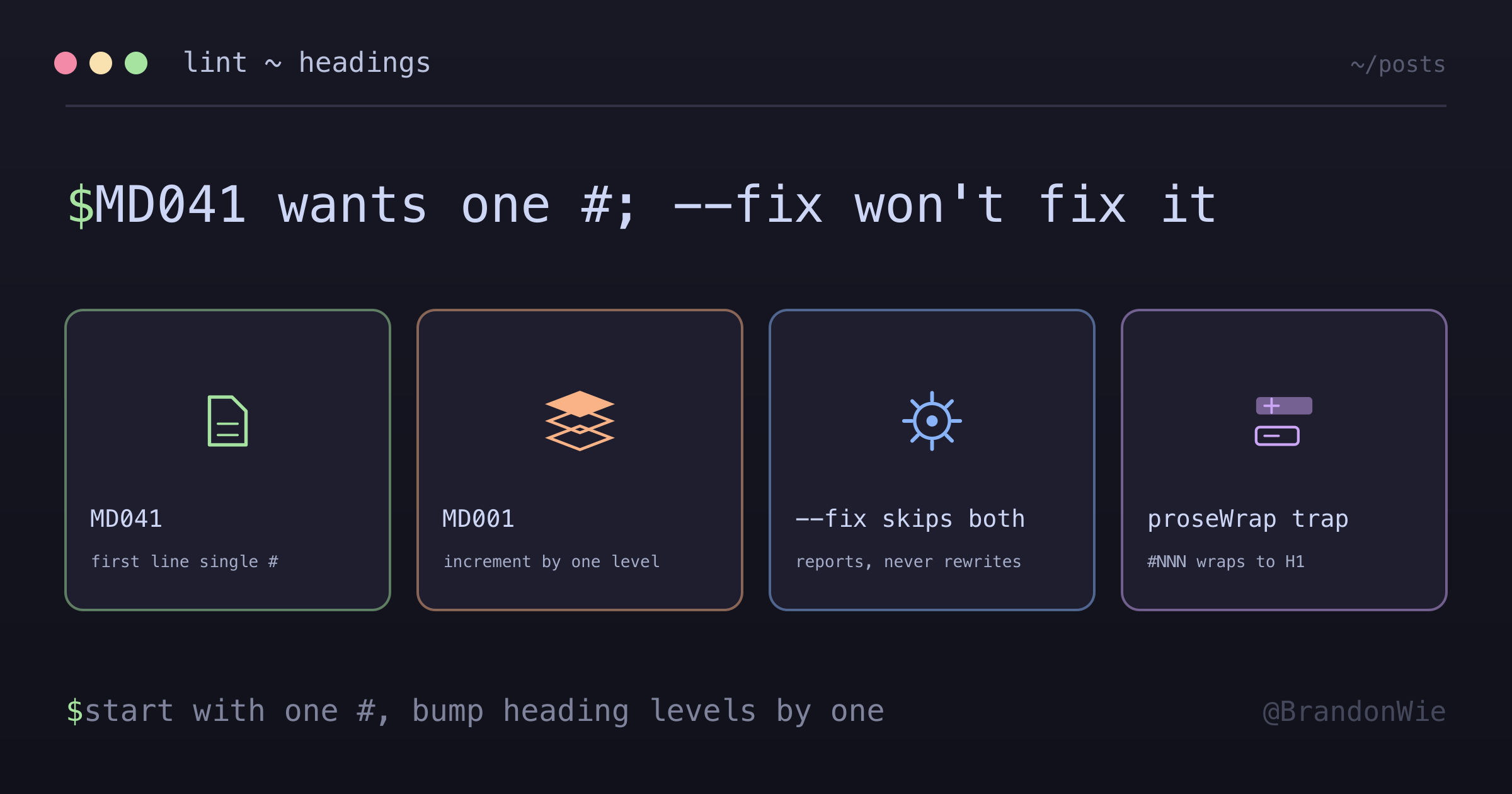
Two markdownlint rules that repeatedly block husky pre-commit on newly-created markdown files with YAML frontmatter. Both fire silently, neither is auto-fixed by --fix, and they tend to appear together — fixing one exposes the other.
Two markdownlint rules repeatedly block husky pre-commit on newly-created markdown files with YAML frontmatter. Both fire silently — the generator tool (e.g. code-review-graph init) writes valid-looking markdown, but the lint rules want a very specific heading shape. The pre-commit hook runs markdownlint-cli2 --fix on every staged *.md file, and these two rules in particular reject what most generators produce:
- MD041 / first-line-heading / first-line-h1 — the first non-frontmatter line must be a top-level
# Heading.## Headingis rejected, even when the frontmatter has aname:key. - MD001 / heading-increment — heading levels may only increase by one at a time. Jumping from
# Titleto### Subsection(skipping##) is rejected.
Generators often pair them together: they write a ## Title as h1-stand-in, then use ### Steps and ### Tips for the body. Two rules, two commits rejected.
Why these are sticky
Three things make this hit repeatedly even after you “know” about it:
- The error message hides the fix. MD041 says “First line in a file should be a top-level heading [Context: ’## Debug Issue’]” — the fix is to change
##to#, but that’s not obvious without reading the rule docs. First reaction is often to add a# Titleabove the##, which creates duplicate titles. - Fixing MD041 exposes MD001. Promoting
##to#means any###subsections now jump h1 → h3, triggering MD001. The second failing commit catches you off guard because the first fix seemed complete. --fixdoes NOT auto-fix either rule. MD041 and MD001 are reported but not rewritten — the lint tool leaves them for you. “Why did--fixnot fix it?” is the second wasted cycle.
The pattern that lints clean
For generated markdown files with YAML frontmatter, target this shape:
---
name: Debug Issue
description: Systematically debug issues
---

# Debug Issue

Use the knowledge graph to systematically trace issues.

## Steps

1. Use `semantic_search_nodes` to find code related to the issue. ...

## Tips

...
The invariants:
- First non-frontmatter line: a single
#heading (it can duplicate thename:value — markdownlint doesn’t care about redundancy with frontmatter). - All subsections:
##, never###directly under#. Only nest deeper (###,####) under an existing##.
For a fast bulk fix when demoting every ### to ##: Edit(replace_all=true, old="### ", new="## ") — safe because MD001 only cares about increments, not duplicates at the same level.
The prettier × proseWrap trap
A separate failure mode hits when paragraphs reference GitHub issues or PRs by #NNN. Prettier’s proseWrap: always rewraps paragraphs at ~80 columns, so a changelog-style line can wrap to:
Completed via #101 (PR #102) after the schema changes landed, plus follow-up
#110 (PR #111).
The second line now starts with #110 — identical syntax to an H1 heading. Markdownlint then reports:
- MD022 (blanks-around-headings)
- MD025 (single-title/single-h1 — multiple top-level headings)
- MD001 (heading-increment — if a real heading follows, the level jump fires)
All three fire from one proseWrap-induced line break. The markdown is semantically fine when rendered (most renderers require text after # AND two leading spaces before treating #NNN) as a heading), but markdownlint is stricter than the renderer.
The cleanest fix is to backtick-wrap issue numbers that may land at line start:
Completed via `#101` (PR `#102`) after the schema changes landed, plus follow-up
`#110` (PR `#111`).
Inline code prefix blocks heading interpretation. Prettier still wraps normally.
The other fixes are worse: \#110 (escape works but hurts prose readability in the source), reword to avoid #NNN (brittle — one later edit can reintroduce the collision), or <!-- prettier-ignore --> (disables wrap for the whole paragraph; over-broad for a single token).
When this matters
Apply the discipline before writing a new markdown file that will be committed through a husky + markdownlint-cli2 pre-commit hook, or when importing generator output (skills, steering files, MCP plugin docs) into a repo with this lint stack. Sweep for ^## and ^### as the top headings and demote them one level. Skip the discipline if your repo runs markdownlint-cli2 --fix but disables MD041 / MD001 via .markdownlint.json, or for prose-first markdown (blog drafts, README sections without frontmatter) where MD041 still applies but most writers naturally start with #.
Practical takeaway
MD041 wants a single # as the first non-frontmatter line. MD001 wants level increments of one. --fix doesn’t repair either — the cli reports them and walks away. Wrap inline #NNN references in backticks if your repo also runs prettier proseWrap: always, otherwise a wrapped issue number lands at line start and markdownlint sees an H1.