Hybrid CI: Self-Hosted Jenkins + GitHub Actions
Why use one CI system when you can use both? Routing compute-heavy jobs to a self-hosted Jenkins and OIDC-dependent PR gates to GitHub Actions.
On this page
For a personal repo with polyglot services — Python, Go, Rust, and TypeScript — which CI system should you use? The naive answer is “pick one.” The better answer is: use both, each for what it was designed for.
The Split Principle
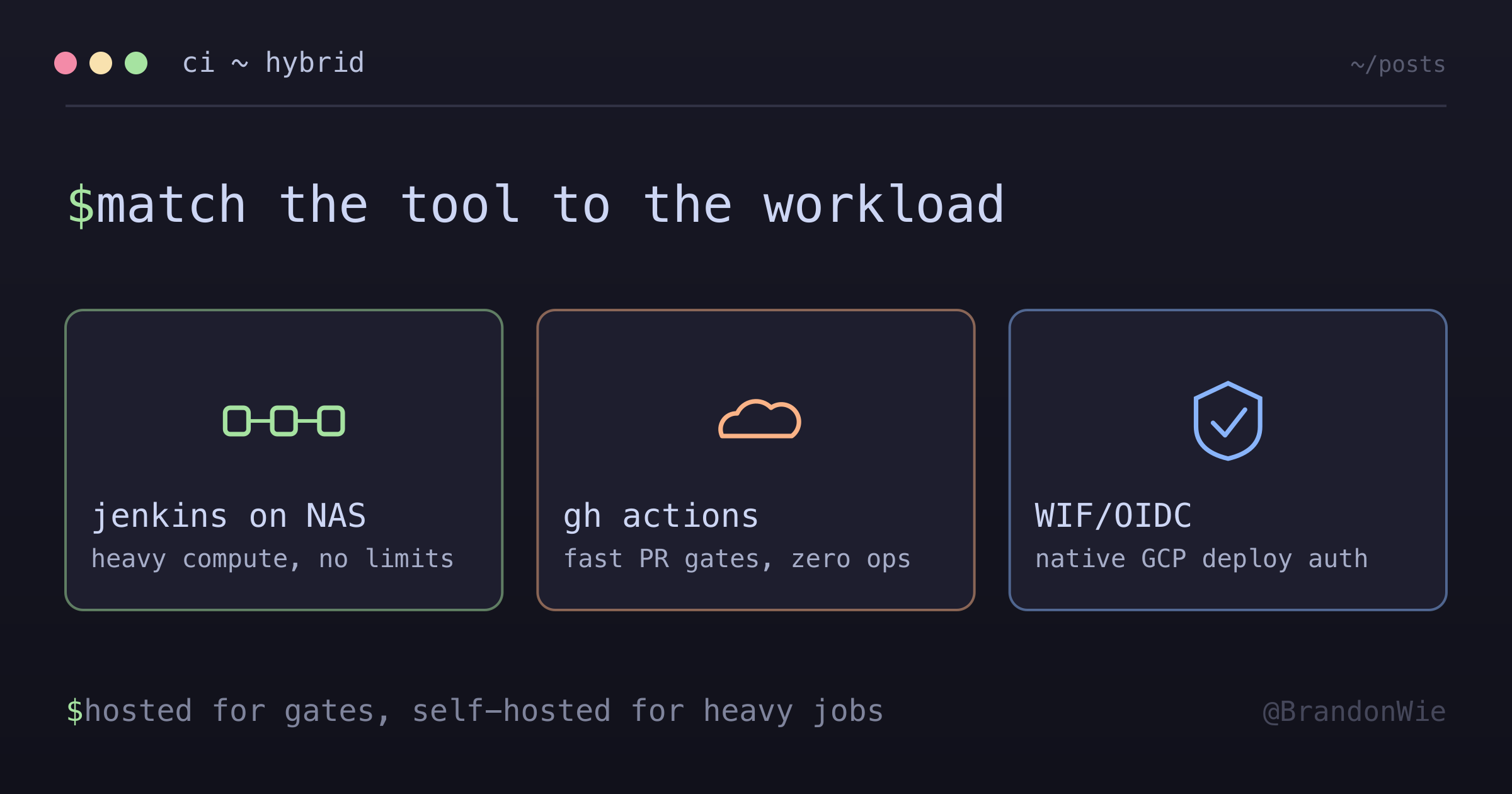
Every tool has a sweet spot. GitHub Actions excels at lightweight, fast PR gates that run in hosted environments. Jenkins excels at compute-heavy jobs where you control the hardware. Forcing either tool to do the other’s job creates friction.
Here is how the split works:
Jenkins (self-hosted on a NAS): Integration tests with testcontainers, Docker image builds, WASM compilation, security scanning, and ML pipeline triggers. The compute is hardware I already own, so there is no minute meter running.
GitHub Actions (hosted): Lint, typecheck, lock file checks, and Cloud Run deployments. Workload Identity Federation and OIDC for GCP require GitHub Actions’ native integration. These jobs finish in under 2 minutes, and Actions usage is free for public repositories on standard GitHub-hosted runners.
Decision Matrix
| Dimension | Jenkins (self-hosted NAS) | GitHub Actions (hosted) |
|---|---|---|
| Job length | Bounded by my own hardware | 6h per job on hosted runners |
| Docker | Daemon on a host I control | Preinstalled on Linux runners; container actions are Linux-only |
| Cost | Hardware already paid for | Free for public repos; private repos draw a monthly minute quota |
| Integration tests | testcontainers against Kafka | Service containers, funded by the same minutes |
| Cloud deploy | Manual SSH/compose | Native WIF/OIDC for GCP |
| Operational burden | I maintain the server | Zero ops |
Two notes on that table. The GitHub Actions limits come from the official docs — six hours per job on hosted runners, free usage for public repositories, and a monthly minute quota for private ones. The Jenkins column is my setup, not a property of Jenkins: “no minute limit” is only true because the machine is mine and idle.
One correction to an earlier version of this post: I had the Docker row as “requires the setup-docker action.” That is not right. Docker is already running on GitHub-hosted Linux runners, and that action exists mainly for platforms where it is not. The limitation that does bite is narrower — Docker container actions only execute on runners with a Linux operating system.
What the Split Forces You to Decide
The value here is not that two tools are in play. It is that the split makes you state, for every job, why it lives where it does. Heavy compute goes where the minutes are free and the hardware is mine. OIDC-dependent deploys go where the identity federation is native. A job that fits neither description is worth a second look.
Running Jenkins myself is not free either — it is paid in operations instead of minutes. Server maintenance, plugin upgrades, backups, and the occasional stuck agent are all mine now. That is the real cost of the “free” compute, and it belongs in the decision before the split, not after.
When This Architecture Makes Sense
- When hosted-runner minutes are consumed by a small number of long integration jobs that could run on hardware you already own
- Polyglot repositories where compute-heavy tests would exhaust the monthly minute quota
- When a single job would run past the six-hour limit on hosted runners
When It Does Not
- If you genuinely only need lint and deploy — GitHub Actions alone is sufficient
- If the host is memory-constrained. Jenkins’ own hardware guidance gives no single number, spanning “200 MB for a small installation to 70+ GB for a single and massive Jenkins controller,” and the figure grows with plugins and concurrent builds. Size it for your build, not for the floor.
- Any project where a team has standardized on one tool — do not split for the sake of splitting
Key Takeaway
CI tool selection is an architecture decision. The right answer is rarely “pick the most popular one.” Match the tool to the workload: hosted runners for fast, lightweight gates; self-hosted for compute-heavy, long-running jobs. The hybrid buys free compute with real operational overhead, so it only pays when the compute you are moving is large enough to notice.
Comments · github discussions
repo brandonwie/brandonwie.dev · category "Blog Comments" · term hybrid-ci-jenkins-github-actions