Anthropic MCP Context Budget Optimization
Anthropic-hosted MCP integrations consume ~71K tokens of your context window at session start — even when you never call them. Here is how to reclaim that budget.
On this page
I was halfway through a complex refactoring session when Claude started losing track of files I had just read. The context window was running out, and I could not figure out why — until I ran /doctor and saw the numbers.
The Hidden Cost of MCP Integrations
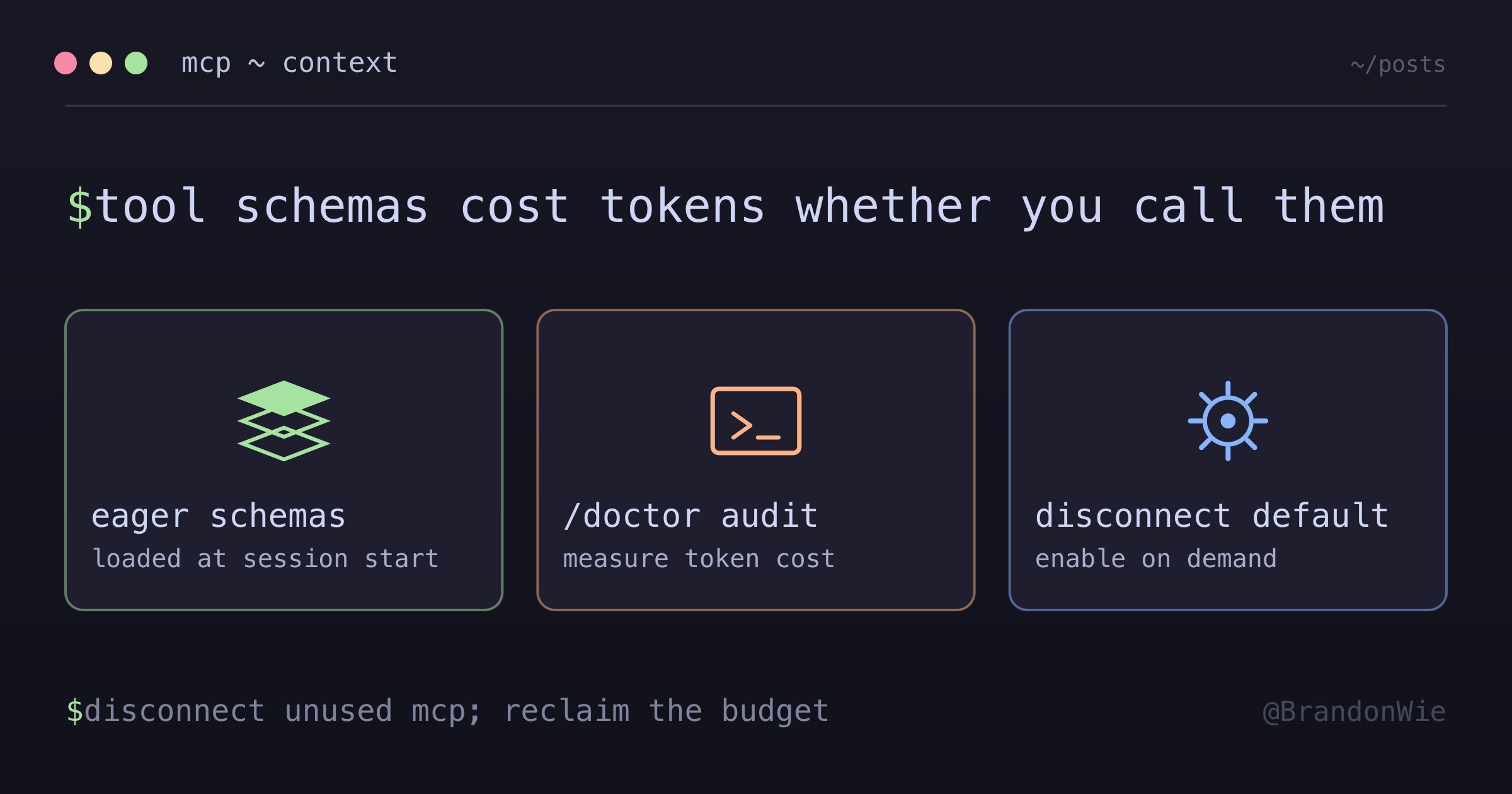
Claude Code’s Anthropic-hosted MCP integrations — Gmail, Google Calendar, Notion, Sentry, Slack — load their full tool schemas into your context window the moment a session starts. Every tool definition, every parameter description, every type annotation gets serialized into tokens. Whether you call those tools or not, the space is consumed.
Here is what I found when I measured them:
Sentry:           ~15K tokens
Notion:           ~15K tokens
Calendar:         ~13K tokens
Slack:            ~8K tokens
Chrome-in-Chrome: ~6K tokens
────────────────────────────
Total:            ~57K tokens (before cleanup)
That is roughly 7% of a 1M context window spent on tool definitions alone. For shorter sessions or smaller models with tighter windows, this overhead is even more significant.
The Fix: Disconnect by Default, Enable on Demand
The solution is straightforward — disconnect all Anthropic-hosted integrations you do not actively use, and re-enable them only when needed:
- Run
/mcpin Claude Code - Disconnect integrations you are not using this session
- When you need Sentry for debugging:
/mcp→ enable Sentry → use it - After you are done: optionally disconnect to reclaim context
Re-enabling is instant. OAuth reconnects transparently — no re-authentication needed.
Before and After
Before: ~71,834 tokens consumed by MCP tools
After:  ~14,000 tokens (only context7, playwright, chrome-devtools remain)
Saved:  ~57,000 tokens (~5.7% of 1M context window)
When This Matters
This optimization is most valuable during:
- Long development sessions where you are reading large files and accumulating context
- Large codebases that already consume significant context just from file reads
- Complex multi-step tasks where Claude needs to hold many details in memory
It matters less for quick sessions or when you are specifically doing Sentry triage or Slack-heavy communication workflows. If you frequently toggle integrations on and off, the reconnection friction may outweigh the savings.
Key Takeaway
Context window space is a finite resource. Tool schemas are loaded eagerly, not lazily — they cost tokens whether you use them or not. Audit your MCP integrations with /doctor or /mcp, disconnect what you do not need for the current session, and reclaim that budget for actual work.
Comments · github discussions
repo brandonwie/brandonwie.dev · category "Blog Comments" · term anthropic-mcp-context-budget-optimization