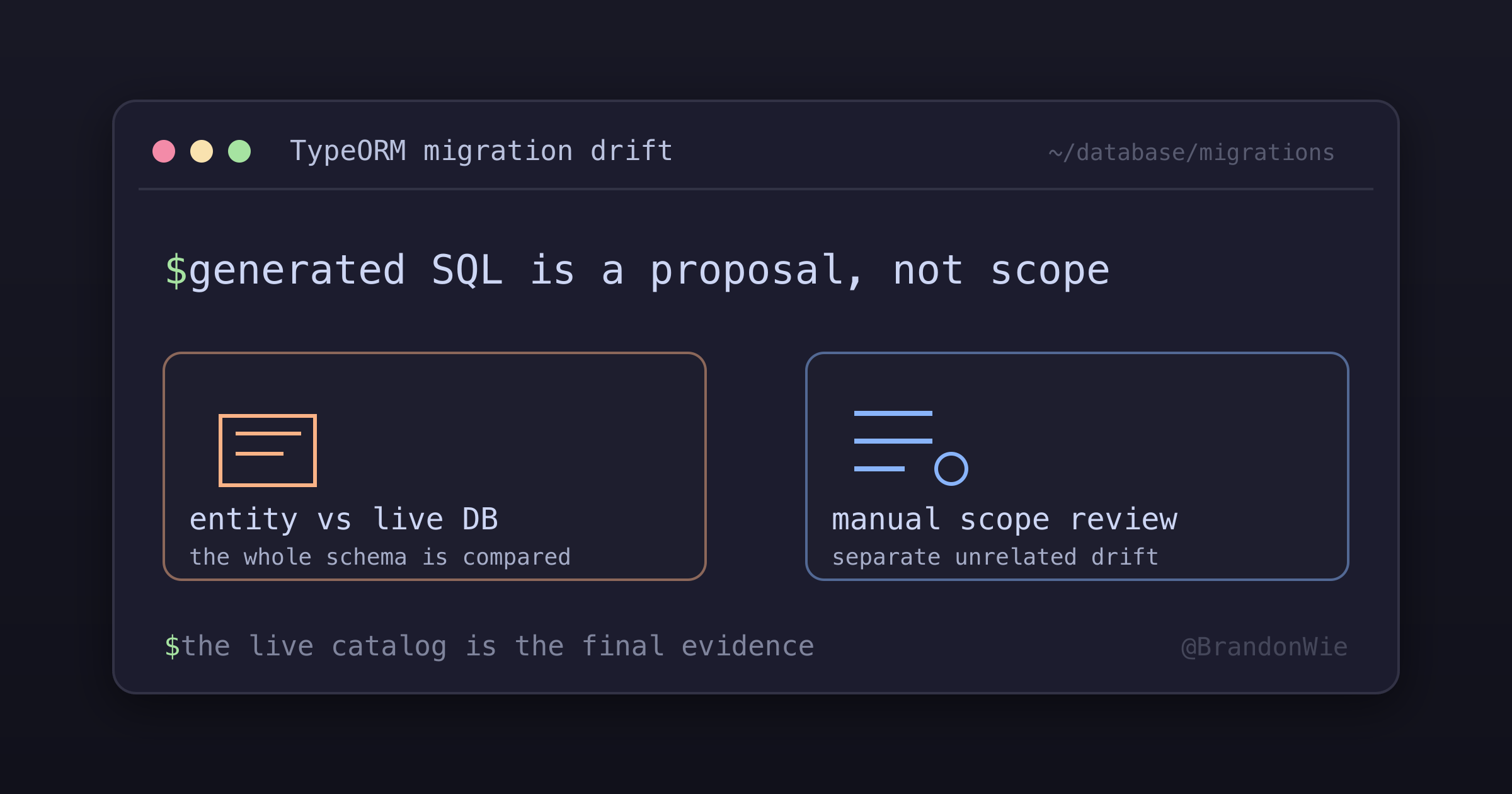
TypeORM `migration:generate` detects all schema drift
`typeorm migration:generate` compares the entire database schema with the entire entity graph and emits SQL for every difference, including drift...
On this page
- The trigger
- The symptom
- Difficulties encountered
- The solution
- Why a hand-edit is appropriate here
- Practical checks
- When to use this approach
- When not to use this approach
- A second drift class: local database state changes the generated operation
- The trigger
- Why this is worse than scope drift
- Recovery workflow
- Detection heuristic
- Prevention
- Editing an already-shipped migration creates silent drift
- The trigger
- Why TypeORM cannot detect this
- How to detect it
- Recovery when caught before merge
- Prevention
- Constraint divergence with matching migration history
- Practical takeaway
I expected migration:generate to describe the entity change I had just made.
Instead, it also emitted SQL for an unrelated default that had been drifting for
weeks.
That output is consistent with TypeORM’s design: generation compares the entity graph with the connected database schema. It does not know which lines belong to the feature in your branch. The developer still owns the migration’s scope.
The trigger
You add a single new column to an entity:
@Column({ type: 'varchar', name: 'google_sub', nullable: true, default: null })
googleSub: string | null;
Then run npm run migration:generate --name=AddGoogleSub. The generated
migration contains your column AND:
ALTER TABLE "user" ALTER COLUMN "settings" SET DEFAULT '{"hasSeenTour":false, ...}';You didn’t touch settings. Someone had earlier added a key to the entity’s
default settings object in TypeScript without generating a migration to sync
the DB default. The drift has been accumulating silently.
The symptom
- Your PR diff contains SQL that has nothing to do with your feature.
- Reviewers ask “why are you changing
user.settings?” - Reverting your PR would also revert the unrelated drift fix, coupling two independent changes.
--name=AddGoogleSubis misleading because the migration does two things.
Difficulties encountered
- Identical migration names and timestamps create a convincing but incomplete parity signal because TypeORM records no checksum of the executed body.
- Replaying migrations on a fresh database validates the current file, not the historical bytes that each long-lived environment actually executed.
- The reliable comparison therefore crosses three sources: migration history, the live PostgreSQL catalog, and a data query for rows that would violate the missing constraint.
The solution
Strip the unrelated drift from the generated migration and document why in the file header. Open a separate follow-up migration for just the drift.
// NOTE: TypeORM also detected an unrelated drift on user.settings JSONB
// default (missing `hasSeenTour` key). That drift is out of scope for this
// change and was removed to keep the commit atomic. A separate PR should
// regenerate just the settings default sync.
export class AddGoogleSub1700000000000 implements MigrationInterface {
  public async up(queryRunner: QueryRunner): Promise<void> {
    await queryRunner.query(`ALTER TABLE "user" ADD "google_sub" varchar`);
    await queryRunner.query(`CREATE UNIQUE INDEX "IDX_user_google_sub_unique"
      ON "user" ("google_sub") WHERE google_sub IS NOT NULL`);
    // NOTE: `ALTER COLUMN "settings" SET DEFAULT ...` removed; see header.
  }
  // ...
}
Why a hand-edit is appropriate here
Most “never hand-edit migrations” rules exist to prevent missing schema changes. The concern is the opposite here: TypeORM emitted more than the intended change, and stripping is the corrective action. The remaining SQL is still TypeORM-generated syntax; you’re removing unrelated statements, not writing new ones.
Practical checks
- Scope check is manual. TypeORM has no
--scope=<entity>flag. Read the generated migration before committing. - Name the commit accurately. If your
--name=doesn’t match all the SQL in the file, either rename or strip. - Document stripped lines in the migration file header so the next developer knows what was deferred.
- Drift compounds. Every accumulated drift shows up in the NEXT person’s migration. Periodic “drift sync” PRs keep future diffs clean.
- Alternative is not great. Letting the drift ship with your PR makes rollbacks risky because reverting the migration reverts both the feature and the drift fix.
When to use this approach
- Before running
migration:generate, check if anyone else changed entity defaults/enums recently (git log --since='4 weeks' src/entities). - When the generated file has SQL you didn’t plan for, strip and document.
- When reviewing a PR: ask “does every statement in this migration match the PR title?”
When not to use this approach
- If the “extra” SQL is a legitimate cascade of your change (e.g., an index that exists because you added a column), keep it. That is actual scope.
- In greenfield projects with only one developer touching entities, drift-free context, simpler flow.
A second drift class: local database state changes the generated operation
A different, more dangerous drift: the live database’s state diverges from
staging/production, and migration:generate produces SQL that’s correct for
local but would fail on deploy.
The trigger
-
You (or an automated agent) ran a migration locally that was later reverted in code (file deleted, not yet deployed).
-
The local DB still has the schema changes; staging/prod never saw them.
-
You change entity columns (e.g., rename
google_sub→provider_sub) and runmigration:generate. -
TypeORM diffs entities vs your local DB and emits:
ALTER TABLE "user" RENAME COLUMN "google_sub" TO "provider_sub"Because from local DB’s perspective,
google_subalready exists and just needs renaming.
Why this is worse than scope drift
- Silent production failure. Staging/prod have no
google_subto rename.ALTER TABLE ... RENAME COLUMN "google_sub" ...fails withcolumn "google_sub" does not exist. - Reviewers can’t catch it by reading the SQL. The RENAME looks syntactically clean; only someone who knows staging/prod state realizes it’s wrong.
- CI may still pass if CI migrations run against a fresh DB that you happen to seed to match local. The failure appears only on the real deploy.
Recovery workflow
-
Stop and revert local DB state first. Restore the deleted migration file temporarily, re-register it wherever your DataSource lists migrations (the
migrationsarray in theDataSourceconfig), thennpm run migration:revertto drop the columns. -
Delete the restored migration file (and its RENAME-based replacement).
-
Regenerate against the clean local DB. Now
migration:generatesees nogoogle_subcolumn and emits:ALTER TABLE "user" ADD "provider_sub" character varyingDeploy-safe on any environment.
-
Add a guardrail. Require explicit operator confirmation before any automated tool runs migration commands. The person generating the migration needs an accurate model of the database state it is comparing.
Detection heuristic
After migration:generate, scan the file for RENAME COLUMN, RENAME INDEX,
or column-rename patterns that you didn’t intend. If present, ask: “did the
source column exist in production?” If no, the local database has drift. Revert and
regenerate.
Prevention
- Do not run
migration:run,migration:revert, ormigration:generateimplicitly. Keep these operator-driven so the database state is understood. - Keep local DB aligned to deployed state. After reverting a migration file
in code, also
migration:revertlocally. Or reset the local DB entirely before generating a fresh migration. - For CI safety: run
migration:runon a fresh DB in CI to verify the generated SQL applies cleanly from nothing. Catches RENAME-against-missing- column failures before merge.
Editing an already-shipped migration creates silent drift
The third drift mode is worse because there is no generation-time signal at
all: no unrelated SQL in a new diff and no suspicious RENAME COLUMN. The
migration file keeps its old name and timestamp while its body silently changes.
The trigger
A developer needs to add a column or index to an existing table. Instead of
generating a new migration, they edit the body of the migration that originally
created the table, sliding the new column into the CREATE TABLE SQL. The
commit message often frames it as cleanup — something like “fold the new column
into the existing create-table migration.”
That framing is the anti-pattern. It looks like clean history, but every environment that already ran the original body stays on the old schema.
Why TypeORM cannot detect this
The migrations table tracks applied migrations by id, timestamp, and
name — that is the whole table. TypeORM v1.1.0 creates exactly those three
columns in
MigrationExecutor,
and nothing in that file hashes or re-validates a migration body. Once a row
exists in migrations for a given timestamp, TypeORM will refuse to re-run that
migration regardless of whether its body has been edited.
Take a contacts table as the example:
- Dev DB ran the original body of
CreateContactsTable1690000000000weeks ago → schema has nosource_idcolumn. - Author edits the migration’s
CREATE TABLEto add"source_id" integer NOT NULL. - Author re-runs
migration:run. TypeORM sees the timestamp is already applied, prints “no migrations to run,” exits clean. - Entity now declares
sourceIdas not null, but the database lacks the column. - Any query that references
source_idblows up at runtime.
The state diverges silently and stays diverged until something hits the column.
How to detect it
If you suspect inline-edit drift on a system you didn’t author:
git log --all --oneline -- <migrations-dir>/*.ts | grep -i "merge\|consolidate\|fold"flags commits that touch migration files for non-creation reasons. Adjust the keywords for whatever language your team writes commit messages in.- For each migration in
migrationstable, rungit log --follow --oneline -- <migration-file>. A migration that has been amended shows multiple commits modifying the same file after the migration was originally added. git blameon suspicious column / index lines insideCREATE TABLEbodies. If the blame line is newer than the migration’screatedcommit, the column was inlined post-shipment.
Recovery when caught before merge
If the inline edit is on a feature branch and the user-facing system hasn’t deployed it yet:
- Revert the migration body to its original (pre-inline-edit) form. Use the git
history of that file:
git log -- <migration> | tailto find the original commit. - Generate a NEW migration via
migration:generate --name=Add{Column}To{Table}. TypeORM will see entity-vs-DB drift (entity has the column, DB doesn’t) and emit a properADD COLUMNmigration. - Register the new migration in the
migrationsarray of yourDataSourceconfig. - Commit the revert + new migration as separate logical commits so reviewers can see the chain.
If the inline edit has already deployed (production migrations table shows the timestamp as applied), recovery is harder: prod DB and dev DB both have the original schema, but new environments running migrations fresh will get the EDITED body. Net: production is broken in a way that new clones don’t reproduce. Forward-fix with a corrective ADD COLUMN migration that applies to all environments equally.
Prevention
- Never edit a migration file that has been merged to
mainordevelop. Once a migration ships, treat it as immutable. Add new columns via new migrations. - Code review rule: if a PR touches an already-merged migration file for any reason other than typo fixes in comments, request changes and ask for a new migration instead.
- CI check (suggested): fail PRs that modify migration files older than N days (e.g., 7) unless the diff is whitespace / comments only.
- Defense in depth: run
migration:runon a fresh DB in CI from scratch. The fresh-DB run uses the EDITED body, but production has the ORIGINAL body. Compare the resulting schemas. A difference means an inline edit occurred.
Constraint divergence with matching migration history
The same failure mode can appear with a check constraint. Imagine development
and production both record CreateCounterTable1710000000000, while the
repository’s current migration body now creates a count >= 1 check inline.
Production reports CHECK ((count >= 1)); development has no corresponding
catalog row.
This is consistent with environments having executed different historical bodies under the same migration identity. Querying the migrations table again cannot distinguish them. The repair procedure is:
- Compare the live constraint catalog in every affected environment.
- Query for rows that violate the intended predicate before adding it.
- If the violating-row query is empty, add the constraint only to the missing environment.
- Keep the already-shipped migration immutable so future drift remains observable and repairable through a forward change.
If SELECT ... FROM counter WHERE count < 1 returns zero rows, the
missing environment can receive a forward repair without modifying the
environment that already has the constraint.
Practical takeaway
Treat generated migrations as proposals, not scoped truth. Review every statement against the feature, generate from a database that matches the deployment baseline, and never edit the executable body of a migration that may already have run.
Migration-table parity is only one signal because TypeORM records identity, not a checksum of historical file contents. When environments disagree, compare the live catalog and the data that would violate the intended constraint. The database state, not the current migration file, is the final evidence.
Comments · github discussions
repo brandonwie/brandonwie.dev · category "Blog Comments" · term typeorm-migration-drift-scope