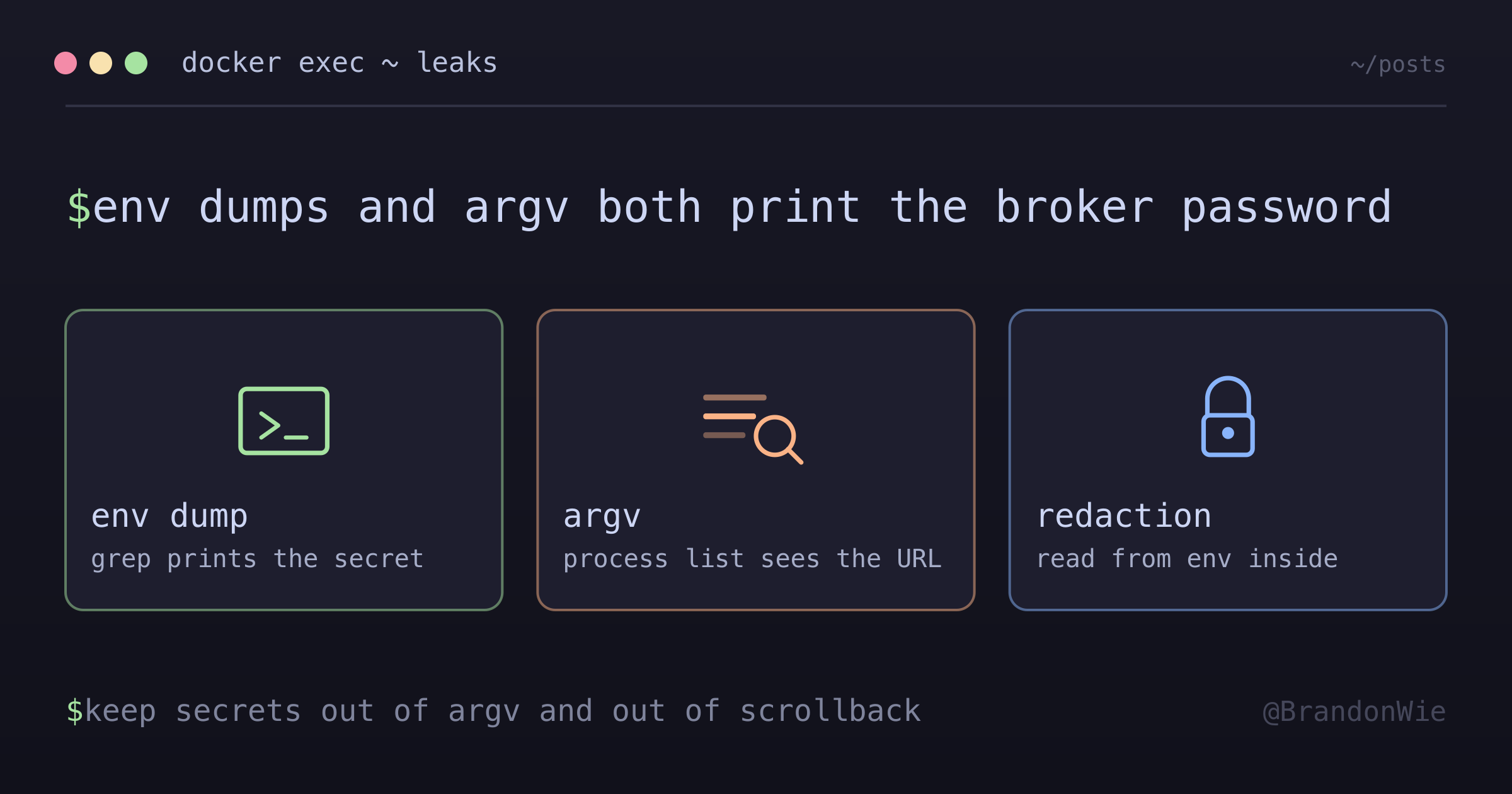
Two Ways `docker exec` Leaks Credentials While You Debug
Reviewing a batch of container diagnostics before running them, I found two ordinary-looking commands that would have printed a broker URL — password included — into my scrollback. Here is what I found about why `env | grep` and `cli -u "$VAR"` both leak, why wrapping them in `sh -c` only moves the leak, and the boolean-probe shape I use instead.
On this page
- Why a connection string is the worst thing to print
- What I considered
- Why the env dump leaks
- Why passing the URL to a CLI flag leaks twice
- Why sh -c '...' is not the fix
- The shape I settled on
- Generalizing the pattern
- Defense in depth for output you already captured
- Gaps I am aware of
- Practical takeaway
- References
I was assembling a batch of SSH diagnostic commands for a containerized worker in crucio, one of my own projects. Nothing exotic: connect to the host, ask the container whether it can still reach its message broker, copy the output back so I could read it somewhere more comfortable than a remote shell.
Reading the batch one more time before running it, two of the commands stopped me. Both would have worked. Both would also have printed the broker URL, username and password included, into terminal scrollback that was about to be pasted somewhere else.
# Vector 1 — env dump filtered by pattern
docker exec my-worker env | grep -E "CELERY_BROKER|REDIS"

# Vector 2 — pass the URL into a CLI tool
docker exec my-worker redis-cli -u "$CELERY_BROKER_URL" ping
Why a connection string is the worst thing to print
Broker and database URLs carry their credentials inline, in the userinfo part of the URL: redis://default:hunter2@host:port/0. There is no separate secret to forget to print. Printing the URL at all prints the password.
The other half of the problem is where debug output travels. Scrollback outlives the session. Paste buffers land in chat windows, PR comments, and support tickets. Agent tooling and telemetry pipelines can index shell output into stores you do not control, and once a live credential is sitting in one of those, rotating it is the only remediation you can actually trust. You cannot reliably go back and scrub it.
That is what made this worth stopping over. The commands were not wrong. They were fine right up until the moment their output moved somewhere else, and moving the output somewhere else was the entire point of the batch.
What I considered
I had four shapes to choose from, and the interesting part was that the two obvious “fixes” only half-worked.
| Approach | Where the secret ends up | Verdict |
|---|---|---|
| Env dump filtered by pattern | stdout, so scrollback, paste buffer, and any recording of it | Leaks |
| Pass the URL to a CLI flag from the host | host shell history and host process arguments, plus stdout | Leaks in two more places |
Same command wrapped in sh -c '...' | container-side process arguments | Leak moved, not removed |
| Ask the container a boolean question | nowhere, since only a true/false and a scheme come back | What I went with |
Why the env dump leaks
env | grep prints names and values. The names are almost always harmless; the values are where connection strings, API keys, and dotenv-loaded secrets live. Filtering by pattern feels like restraint, but the filter selects which secrets to print, not whether to print them.
What I actually wanted to know was much smaller than what that command answers. I wanted “is the variable set”, not “what is it”.
Why passing the URL to a CLI flag leaks twice
This one has two independent problems, and I only had the first one in mind when I wrote it.
The first is ordering. The host shell expands "$CELERY_BROKER_URL" before docker exec ever runs, so the value comes from the host environment, not the container’s. If the host does not have the variable, the tool gets an empty argument and the diagnostic is meaningless. If the host does have it, the URL is now part of the docker exec command line on the host.
The second is that command lines are readable by other processes. This is the weakness catalogued as CWE entry 214, described there as a process being “invoked with sensitive command-line arguments, environment variables, or other elements that can be seen by other processes on the operating system.” On Linux this is concrete: ps reads arguments from /proc/pid/cmdline, which the kernel exposes for running processes. The man page describes it as the command line the process wants you to see. Anyone on the host who can run ps -ef reads the URL. Interactive shells persist it to history files on top of that.
Why sh -c '...' is not the fix
The tempting repair is to defer expansion into the container with single quotes:
docker exec my-worker sh -c 'redis-cli -u "$CELERY_BROKER_URL" ping'This does fix the ordering problem. The outer shell leaves the string alone, the inner shell expands it against the container’s environment, and the URL never appears on the host command line or in host shell history.
It does not fix the second problem. redis-cli still receives the URL as an argument, so the value now sits in that process’s own command line inside the container. Any process in that container that can read /proc sees it. The leak moved one layer in, which is an improvement I would not want to describe as a solution.
The contrast with the environment is worth noticing, because it is the reason the alternative works at all. On Linux, /proc/pid/environ is gated by a ptrace access-mode check rather than being world-readable like cmdline. Values that stay in the environment are meaningfully harder to read than values that become arguments.
The shape I settled on
Instead of asking the operating system for the URL, ask the container a question whose answer is not a secret:
docker exec my-worker python -c "
import os, redis
url = os.environ.get('CELERY_BROKER_URL', '')
print('CELERY_BROKER_URL set:', bool(url))
print('URL scheme:', url.split('://', 1)[0] if url else '(empty)')
try:
  r = redis.from_url(url, socket_timeout=5)
  print('PING:', r.ping())
  print('DBSIZE:', r.dbsize())
except Exception as e:
  print('ERR:', type(e).__name__, str(e)[:200])
"
The container reads the URL, hands it to a library call, and never prints it. redis.from_url takes the connection string as a Python value, so it stays in process memory instead of becoming an argument to some other program. What comes back out is a boolean, a scheme (redis or rediss, which tells you whether TLS is in play), and a ping plus key count.
The exception branch matters more than it looks. Truncating the error to 200 characters keeps a driver from echoing the connection string back at you inside a message like “could not connect to redis://default:hunter2@…”. Error text is output too, and it is the path I would most easily forget about.
For a connectivity check, that output is complete. It distinguishes “variable missing” from “variable present but unreachable” from “reachable and answering”, which covers every branch I would have taken next.
Generalizing the pattern
The rule I took away from this is narrow enough to apply without thinking: whenever a diagnostic has the shape cli -u "$SECRET_VAR" <verb>, replace it with a small program inside the container that returns true or false.
Use whatever language the container already has, since a diagnostic that requires installing something is a diagnostic you will skip. Python services have python. Node services have node. Slim Python images frequently do not ship redis-cli at all, which is a small bonus: the in-language probe is both safer and more portable than the CLI-based check I started with.
Postgres clients are the case where I have to add a caveat rather than a clean recommendation. psql -c "SELECT 1" needs no -u flag because libpq reads PGHOST, PGUSER, PGPASSWORD and friends straight from the environment, so nothing lands on the command line. But the PostgreSQL documentation warns about PGPASSWORD specifically: its use is not recommended for security reasons, because some operating systems allow non-root users to see process environment variables via ps. Linux is not one of them, per the ptrace check above, but “environment variables are safe” is a platform-dependent claim rather than a universal one. A password file is the answer the project itself points to.
Defense in depth for output you already captured
Sometimes the output exists before the discipline does: an older log, a batch someone else ran, a paste you inherited. Redacting userinfo from URLs before the text moves anywhere is cheap:
sed -E 's#://[^@[:space:]]+@#://REDACTED@#g' < raw.txt > clean.txtThat matches both scheme://user:pass@host and scheme://token@host, and leaves URLs without userinfo untouched, since it keys on the @. It is worth running, but it is not a strategy. It catches credentials embedded in URLs and nothing else, so a bare API_KEY= line sails straight through.
Gaps I am aware of
Two things this pattern does not cover, which I would rather state than imply.
It only addresses commands I run. The same values are reachable through other doors, including container inspection output, which prints the configured environment of a container without executing anything in it. A boolean probe protects the diagnostic path, not the whole surface.
And it is prevention only. If a credential has already reached scrollback that got pasted, a session recording on a bastion host, or an indexed knowledge store, rotation is the remediation. Everything above exists to keep that from becoming necessary.
Practical takeaway
The rule is short: never ask a container for a secret’s value when a boolean will answer the question. env | grep prints values, command-line flags publish them to ps, and moving the command inside sh -c only relocates the exposure. A three-line in-container probe that prints “set: True”, the URL scheme, and a ping result gives you the same diagnostic signal with nothing worth leaking in the output.
It is worth doing whenever output might get pasted somewhere, and whenever the container holds real secrets. The case I care about most is writing a diagnostic that another engineer or an agent will run later, because at that point the only thing still under my control is what the output contains. Local throwaway debugging on my own laptop genuinely does not need any of this, though the habit costs so little that I stopped making the distinction.
References
docker exec— official reference- CWE entry 214 — Invocation of Process Using Visible Sensitive Information — the weakness class both vectors fall under
- proc_pid_cmdline(5) — where
psreads command-line arguments from - proc_pid_environ(5) — the ptrace access-mode check that makes the environment harder to read than arguments
- ps(1)
- PostgreSQL — Environment Variables (libpq) — the
PGPASSWORDcaveat and the password-file alternative - redis-cli — the
-uflag the pattern replaces - redis-py — connections —
from_url, used by the in-container probe
Comments · github discussions
repo brandonwie/brandonwie.dev · category "Blog Comments" · term docker-exec-credential-leak-vectors