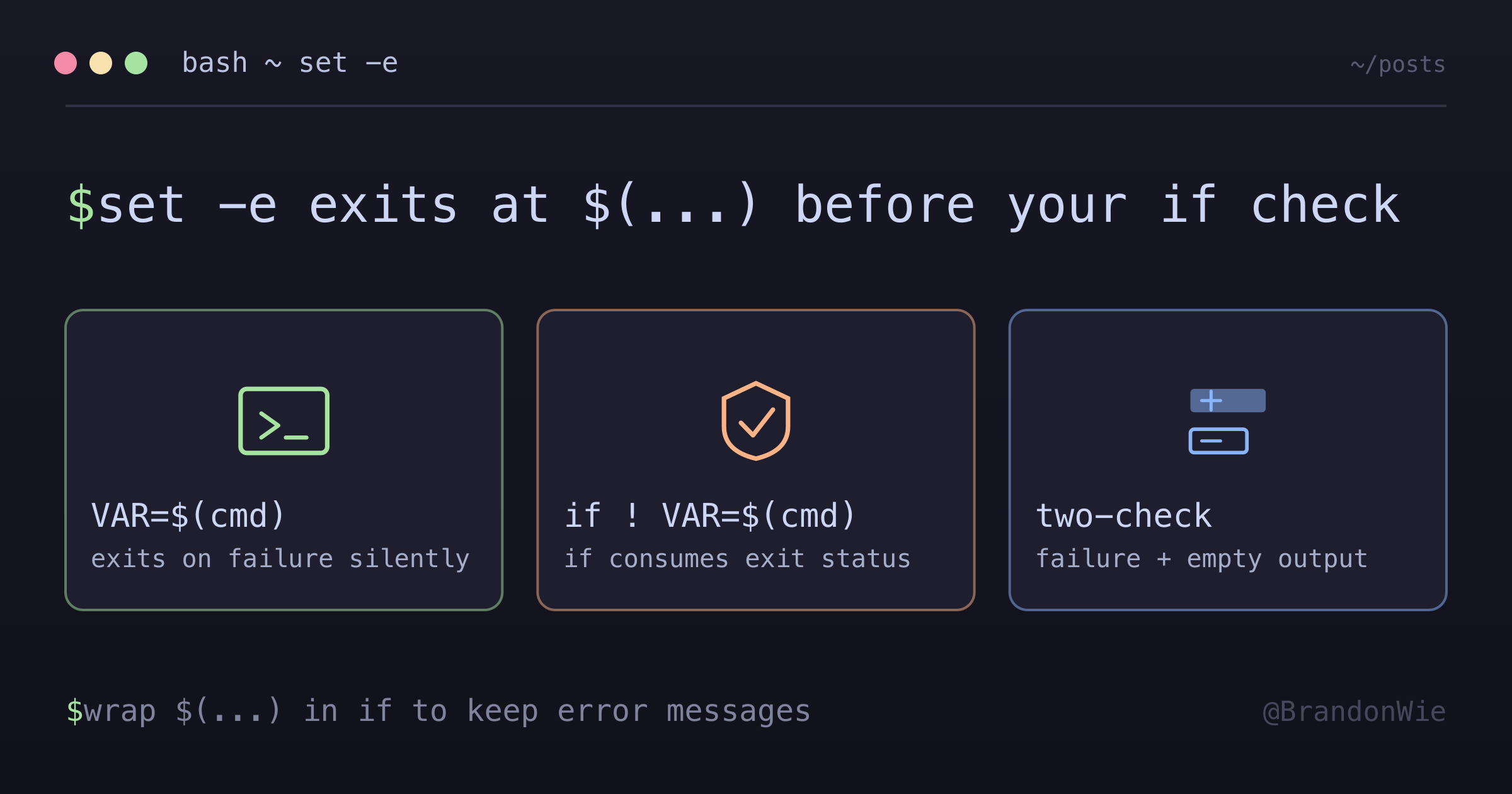
Bash set -e and Command Substitution
When using `set -e` (exit on error), command substitution behaves unexpectedly
On this page
I was writing an entrypoint.sh for an Airflow Docker container and added set -e at the top for safety, so the script would exit immediately if any command failed. Then I wrote careful error handling for the AWS CLI calls, with custom error messages explaining what went wrong and which IAM permissions were needed. None of those error messages ever appeared. The script silently exited before reaching them.
The culprit is an interaction between set -e and command substitution that’s well-documented but consistently surprising: when the command inside a VAR=$(...) assignment fails, set -e terminates the script at that line. Your if check on the next line never runs.
The Problem
set -e

# This EXITS IMMEDIATELY on failure - custom message never shown
AWS_ACCOUNT_ID=$(aws sts get-caller-identity --query Account --output text)
if [ -z "$AWS_ACCOUNT_ID" ]; then
    echo "Custom error message"  # Never reached!
    exit 1
fi
With set -e active, if aws sts get-caller-identity fails (wrong credentials, no network, missing CLI), the script exits at the assignment line. The variable is never set, the if check never runs, and the user sees a generic error from set -e instead of your helpful message.
The obvious reading of that is the wrong one: what trips set -e here is the assignment, not the command substitution inside it. The distinction sounds pedantic until you see what it predicts.
The Fix
Wrap the command substitution in an if statement. The if keyword “consumes” the exit status, preventing set -e from triggering:
set -e

# This CAPTURES the failure and allows custom error message
if ! AWS_ACCOUNT_ID=$(aws sts get-caller-identity --query Account --output text 2>/dev/null); then
    echo "✗ Failed to get AWS account ID. Check AWS CLI configuration."
    echo "  Required permission: sts:GetCallerIdentity"
    exit 1
fi

# Also check for empty result (command succeeded but returned nothing)
if [ -z "$AWS_ACCOUNT_ID" ]; then
    echo "✗ AWS account ID is empty. Check IAM role/credentials."
    exit 1
fi
The 2>/dev/null suppresses stderr from the AWS CLI, so the user only sees your custom message instead of a raw error dump.
Why This Works
The behavior comes from how the shell defines “exit on error.” The bash(1) man page lists the exemptions directly: the shell does not exit if the failing command is part of the test following if or elif, part of the list following while or until, part of a &&/|| list other than the command after the final operator, or if its return value is being inverted with !. POSIX words it the same way: -e is ignored while executing the compound list following while, until, if, or elif, and for a pipeline beginning with !. The if statement tells the shell “I’m handling this exit status,” so set -e stands down.
The other half is easier to get backwards. Command substitution on its own does not arm set -e: POSIX says the failure of a subshell in which command substitution was performed during word expansion shall not cause the shell to exit, and it walks through that case itself: set -e; echo $(false; echo one) two still runs echo two. What makes VAR=$(cmd) different is that a simple command with no command name completes with the exit status of the last command substitution it ran. The assignment itself is the command that failed, and nothing is consuming its status.
Both halves are quick to check. On GNU bash 3.2.57, set -e; echo $(false) two prints two and carries on, while set -e; V=$(false) exits with status 1. Same failing command, opposite outcomes, because only the second one leaves a failed simple command for set -e to look at.
| Pattern | set -e Behavior | Custom Message |
|---|---|---|
VAR=$(cmd) | Exits immediately on failure | Never shown |
if ! VAR=$(cmd) | Failure captured by if | Shown |
The variable assignment still works inside the if condition: AWS_ACCOUNT_ID gets set to the command’s output on success, or stays empty on failure.
The same rule has a corollary that cuts the other way: local V=$(cmd) inside a function does not exit either. There the command name is local, so set -e inspects local’s own exit status and the substitution’s failure disappears. Wrapping an assignment in local quietly removes the protection you thought set -e was giving you, which is the surprise at the top of this post running in reverse.
The Two-Check Pattern
The if ! VAR=$(cmd) pattern handles command failure (non-zero exit), but there’s a second failure mode: the command succeeds (exit 0) but returns empty output. That’s why you need two checks:
if ! VAR=$(cmd)catches command failureif [ -z "$VAR" ]catches empty output
Both are needed for robust error handling in production scripts.
When to Use Which
| Scenario | Recommended Pattern |
|---|---|
| Quick scripts, no custom errors | VAR=$(cmd) is fine |
Production scripts with set -e | Use if ! VAR=$(cmd) |
| Need to distinguish failure types | Use if-pattern + check -z |
For throwaway scripts, the plain VAR=$(cmd) pattern is fine, since set -e gives you a reasonable safety net. But for production entrypoint scripts, CI scripts, or anything where users need actionable error messages, always use the if-pattern.
Takeaway
When combining set -e with command substitution, custom error messages after VAR=$(cmd) will never execute on failure. Wrap the substitution in if ! VAR=$(cmd) to capture the failure and show your own error message. And watch for the inverse inside functions: with local V=$(cmd), the command name is local, so set -e never sees the failure at all. This matters most in Docker entrypoint scripts and CI pipelines, where helpful error output saves debugging time.
Comments · github discussions
repo brandonwie/brandonwie.dev · category "Blog Comments" · term bash-set-e-command-substitution