Amplitude Export API Timezone Behavior
How Amplitude Export API handles timezones and hour boundaries for event data
On this page
- The confusion
- Why this was harder than it sounds
- The answer: it depends on your project timezone
- How the Export API request works
- Tracing the full daily window
- Validating your own setup
- Through the Amplitude console
- Through the API response
- Common misconceptions
- What if the project were KST?
- Code: no timezone conversion needed
- Practical limits
- Takeaway
- References
If an Amplitude export job runs at 01:00 KST and the users are all in Korea, should it be fetching KST-based hours? It sounds like a question about users. It is really a question about one setting in the Amplitude project, and the answer is not in the API docs.
The confusion
Picture a daily export job that pulls Amplitude event data at 01:00 KST (16:00 UTC) for the previous day. Since the users are in Korea, the natural instinct is that the export should be asking for KST-based hours. If that assumption is wrong in either direction, the job pulls the wrong 24-hour window, so events go missing or arrive twice.
The Amplitude Export API documentation does not make the timezone behavior of the start/end parameters immediately obvious. That gap leaves room for real doubt about whether a pipeline has been pulling the right window all along.
Why this was harder than it sounds
Three things made it slower than the answer makes it look.
The documentation is ambiguous on the exact point that matters. The docs do say that exported events are timestamped in UTC, and that the date range filters on server_upload_time. What they do not spell out is whether start/end themselves follow the project timezone or are always UTC. Confirming that meant verifying empirically instead, by checking the server_upload_time suffix on exported events.
The project timezone is invisible from the API. Nothing in the export response tells you how the project is configured, so confirming it means opening the Amplitude Console settings — a different surface from the one you are debugging.
The KST case has to be reasoned through rather than measured. Project timezone is not a setting you can flip safely just to watch what happens; changing it re-reads every existing chart in the project. So the “what if the project were KST” section below is worked out on paper, not observed.
The answer: it depends on your project timezone
The question was: “the job runs at 01:00 KST (16:00 UTC) fetching yesterday’s data. Shouldn’t it fetch KST-based hours, since the users are in Korea?”
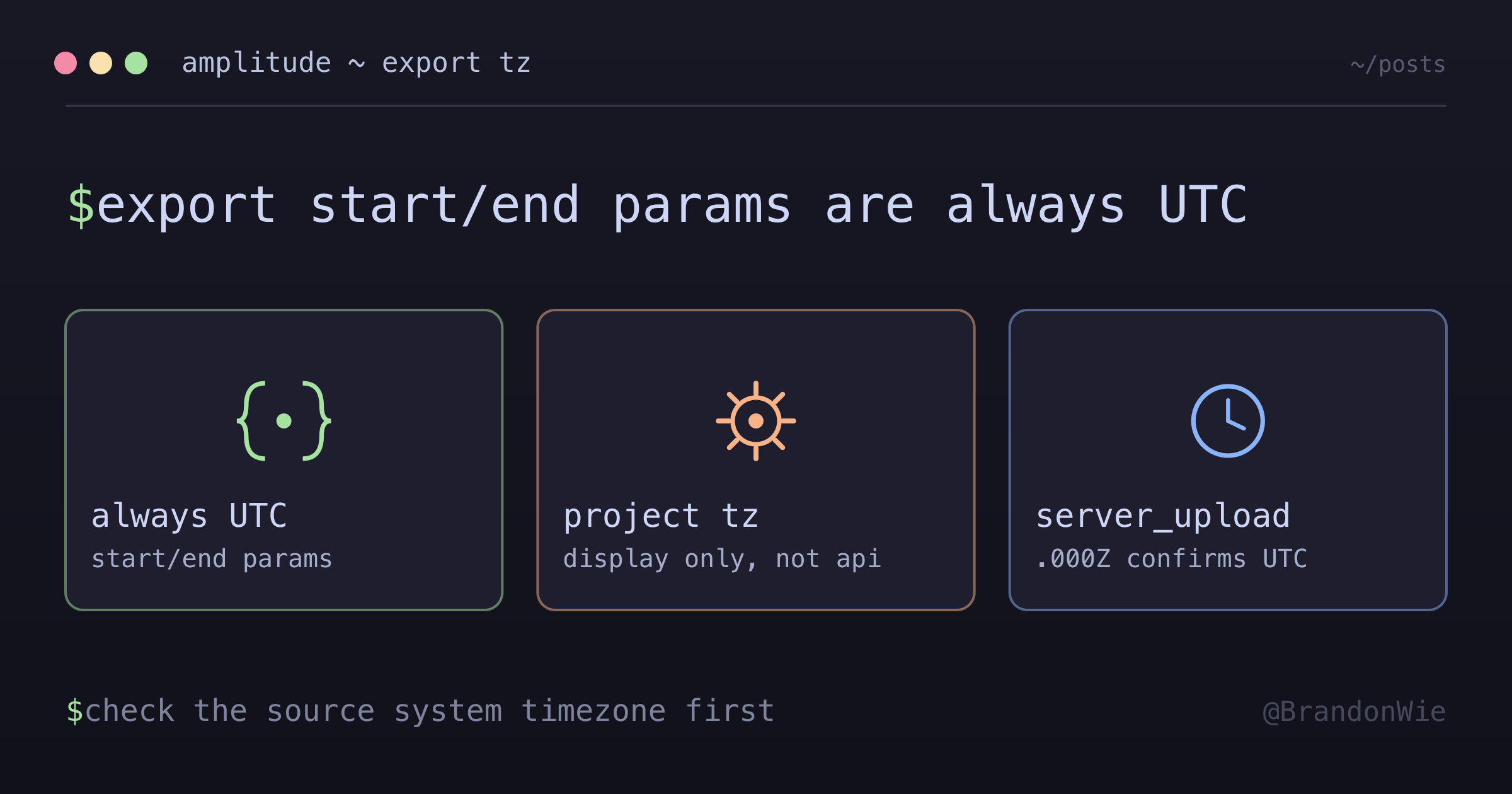
The answer: no, when the project timezone is UTC. The Export API interprets start/end parameters in UTC. The project timezone setting determines how Amplitude displays data in its dashboard, but the API does not convert for you.
Here is what I confirmed for a UTC-configured project:
| Setting | Value | Impact |
|---|---|---|
| Amplitude Project Timezone | UTC | All hour boundaries are UTC-based |
Export API start Parameter | UTC hours | start=20260126T00 = UTC hour 0 (not KST hour 0) |
| Event Timestamps | UTC | server_upload_time field uses .000Z suffix |
| Scheduled Run Time | 16:00 UTC = 01:00 KST (next day) | Processes previous UTC day |
| Hours Fetched | 0-23 UTC | Complete business day in UTC |
How the Export API request works
The request format is straightforward:
start=YYYYMMDDTHH
end=YYYYMMDDTHH
The timezone is always UTC, regardless of the project timezone setting.
Both bounds are inclusive, and that detail is easy to miss. The docs describe start as the “first hour included” and end as the “last hour included”, so start=20260126T00&end=20260126T01 returns two hours of data, hour 0 and hour 1, not the single 00:00-00:59 window it looks like. To fetch exactly one hour, set start and end to the same value: start=20260126T00&end=20260126T00. The same rule is why a whole day is T00 to T23 rather than T00 to T24.
This is an easy defect to ship. Writing end = hour + 1 matches the exclusive upper bound that most other range APIs use, and the extra hour of events looks like ordinary data downstream, so a silent double-fetch can run a long time before anyone counts rows.
The timezone still applies regardless of the project setting. If the project were configured for KST (hypothetical), a request naming UTC hour 0 would still fetch UTC hour 0. That 9-hour offset between KST and UTC would mean you are not getting what you think you are getting.
Tracing the full daily window
The full timeline is what makes the logic click. Take a daily job on this schedule:
Schedule: 0 16 * * *   (16:00 UTC = 01:00 KST the next day)
Window:   the previous UTC date, hours 0-23
Here is a concrete example:
| Time (UTC) | Time (KST) | Action |
|---|---|---|
| 2026-01-26 00:00 | 2026-01-26 09:00 | Events start occurring |
| 2026-01-26 15:00 | 2026-01-27 00:00 | Events continue (past KST midnight) |
| 2026-01-27 16:00 | 2026-01-28 01:00 | Job runs, fetches 2026-01-26 UTC (all 24 hours) |
The fetch covers hours 0 through 23 for the UTC date 2026-01-26:
Execution Date: 2026-01-26 (UTC)
Hours Fetched: 0-23 (UTC)

Hour 0:  2026-01-26 00:00-00:59 UTC = 2026-01-26 09:00-09:59 KST
Hour 1:  2026-01-26 01:00-01:59 UTC = 2026-01-26 10:00-10:59 KST
...
Hour 23: 2026-01-26 23:00-23:59 UTC = 2026-01-27 08:00-08:59 KST
The result covers a full UTC day: 24 hours of events. That spans two KST calendar dates, but represents one complete business day in UTC. No data is missing and none is duplicated.
Validating your own setup
Before trusting any of this for your project, verify what timezone your Amplitude project uses.
Through the Amplitude console
- Login to Amplitude
- Navigate to: Settings > Projects > [Your Project] > General
- Find the “Timezone” setting
- Verify it shows “UTC” (not “Asia/Seoul” or another local timezone)
Through the API response
Check the server_upload_time field in any exported event:
{
  "server_upload_time": "2026-01-26T00:00:00.000Z",
  ...
}
The .000Z suffix confirms UTC timezone.
Common misconceptions
“Export API uses project timezone.” It does not. The start/end parameters are always UTC, regardless of the project timezone setting.
“We need to convert hours to KST.” If the project timezone is UTC, no conversion is needed. Fetch hours 0-23 UTC and you get a complete day.
“Business day equals KST calendar day.” Business day equals a UTC calendar day when the project timezone is UTC. KST is a display preference in the Amplitude dashboard, not an API contract.
“Replaying an old export window recovers late events.” It does not. Export windows filter on server_upload_time, and an event that uploads late gets a later upload time, so a future window delivers it, never the original one. Re-fetching the original window can only repair missing or partial export delivery; it cannot pull in late client uploads. That reframes reconciliation: treat replay as delivery repair, and handle late uploads on the forward ingestion path. Because late events land in older event_time partitions, downstream aggregation has to fan out over every affected partition rather than only the day it is reprocessing.
What if the project were KST?
If the Amplitude project were configured for KST timezone, the math changes:
| UTC Hour | KST Hour | What to Fetch |
|---|---|---|
| 2026-01-25 15:00-23:59 | 2026-01-26 00:00-08:59 | Previous date, hours 15-23 |
| 2026-01-26 00:00-14:59 | 2026-01-26 09:00-23:59 | Current date, hours 0-14 |
You would need to fetch from two UTC dates to assemble one KST business day. A UTC-configured project avoids this entirely. One UTC date equals one business day, a clean 1:1 mapping.
Code: no timezone conversion needed
Because the project is UTC, building the request stays boring:
def hour_export_url(date: str, hour: int) -> str:
    """date is a UTC calendar date like '2026-01-26'; hour is 0-23 UTC."""
    date_compact = date.replace("-", "")  # "20260126"
    stamp = f"{date_compact}T{hour:02d}"  # "20260126T00"

    # Both bounds are inclusive, so end must equal start for ONE hour.
    # `hour + 1` here would quietly fetch two.
    # No timezone conversion - the parameters are UTC as-is.
    return f"{EXPORT_API_URL}?start={stamp}&end={stamp}"
The completeness check is equally simple:
def missing_hours(exported_hours: set[int]) -> set[int]:
    """A complete UTC day is hours 0-23. No timezone math needed."""
    return set(range(24)) - exported_hours
There are no conversion functions or offset calculations, and no edge-case handling for month boundaries. The UTC project timezone keeps the code simple.
Practical limits
A few operational constraints shape how you schedule and size these fetches. All three come off the Export API doc page, as it reads in August 2026.
Exported data is not queryable the instant an hour closes. The docs put availability within two hours of the servers receiving the data, with their own example being that data sent between 8 and 9 PM is exportable at 11 PM. Schedule fetches with that delay built in, or an early run pulls an incomplete hour.
Requests have a size ceiling. The documented limit is 4GB, and exceeding it returns a 400; a range large enough to time out returns a 504. The fix is to chunk by hour, but there is no sub-hour granularity to split further, so a single hour that is itself oversized cannot be divided on the API. The docs’ own answer for that case is the Amazon S3 export instead.
Rate limits are not documented on the export page. It lists 200, 400, 404, and 504 and the 4GB ceiling, and says nothing about request rate. Before building retry-heavy reconciliation on top of the API, confirm the limits with Amplitude support rather than assuming there is headroom.
Takeaway
The Export API timezone behavior is not documented clearly, but the answer is predictable once you know where to look. Check your Amplitude project timezone first. It determines everything. If the project is UTC, an export job can fetch hours 0-23 for any UTC date without conversion. If the project is a local timezone like KST, you need cross-date fetching logic that is more fragile and harder to debug.
This applies specifically to Amplitude’s batch Export API. Other analytics platforms (Mixpanel, GA4) each handle timezones differently. And if you are using Amplitude’s real-time or Cohort APIs, timestamp handling may differ from the Export API as well.
The lesson that stuck with me: when someone asks “shouldn’t we convert to local time?”, the answer often starts with “what timezone is the source system configured to use?”
References
- Amplitude Export API Docs: https://amplitude.com/docs/apis/analytics/export
- Amplitude Timezone Settings: Amplitude Console > Settings > Projects > General
- Amplitude Batch Event Upload API (server upload time semantics): https://amplitude.com/docs/apis/analytics/batch-event-upload
Comments · github discussions
repo brandonwie/brandonwie.dev · category "Blog Comments" · term amplitude-export-api-timezone